



Add a live URL poster advert
A URL Poster is a web page shown during a poster advertising slot. Use it for a live weather board, news update or cinema notice page. Instead of uploading a picture, you save a name and a web address.
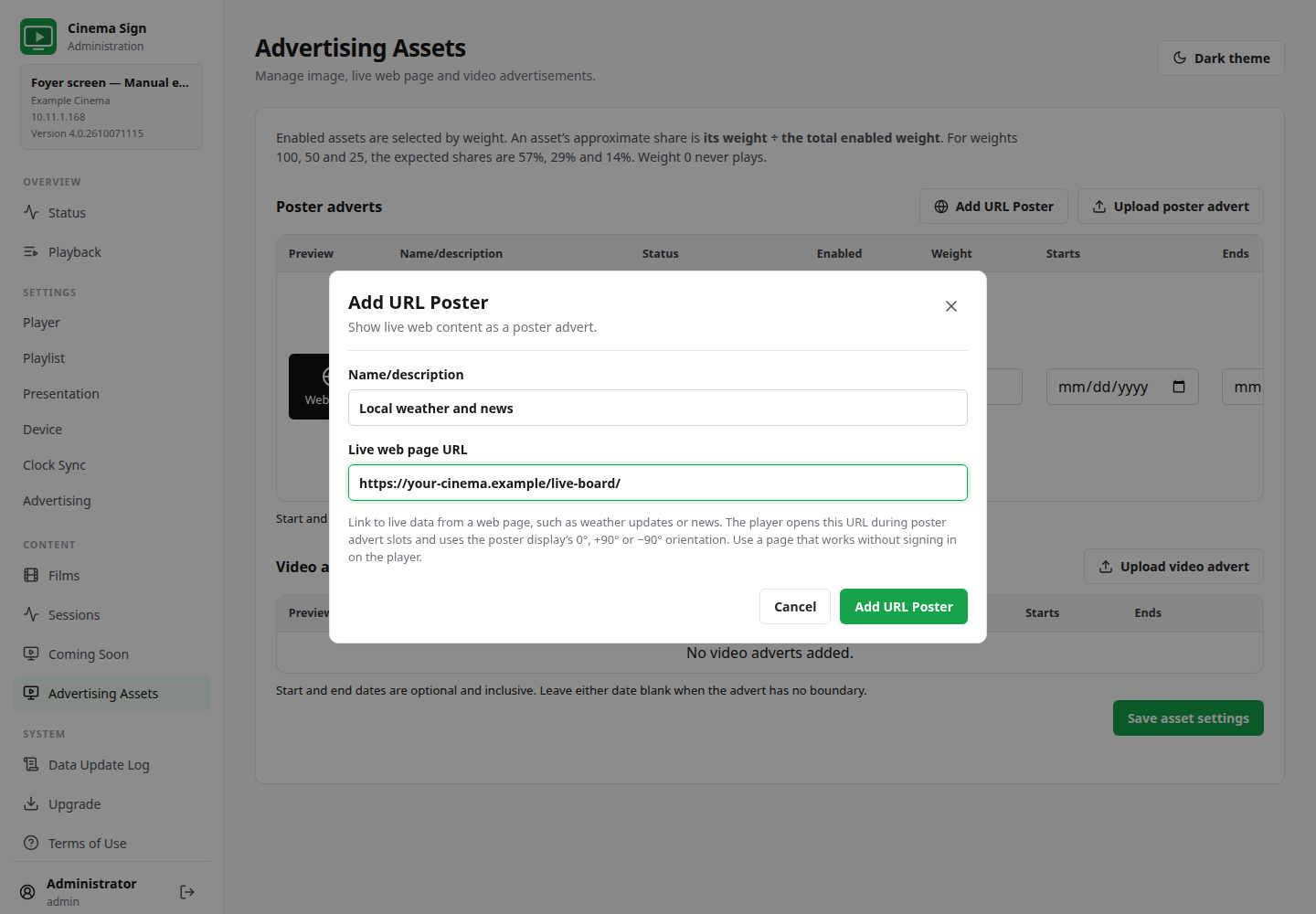
Advertising Assets → Poster adverts → Add URL Poster
- Select Add URL Poster.
- Enter a clear Name/description, such as “Foyer weather updates”.
- Enter the complete Live web page URL, starting with
http://orhttps://. - Use a page that works without signing in on the player and can be read without scrolling.
- Select Add URL Poster in the dialog.
- Review enabled state, weight and dates, then save asset settings.
- Enable Poster Advertising and Clock-synchronized playback using the advertising steps.
- Check the page on the actual display in its mounted orientation.
Which way will the page face?
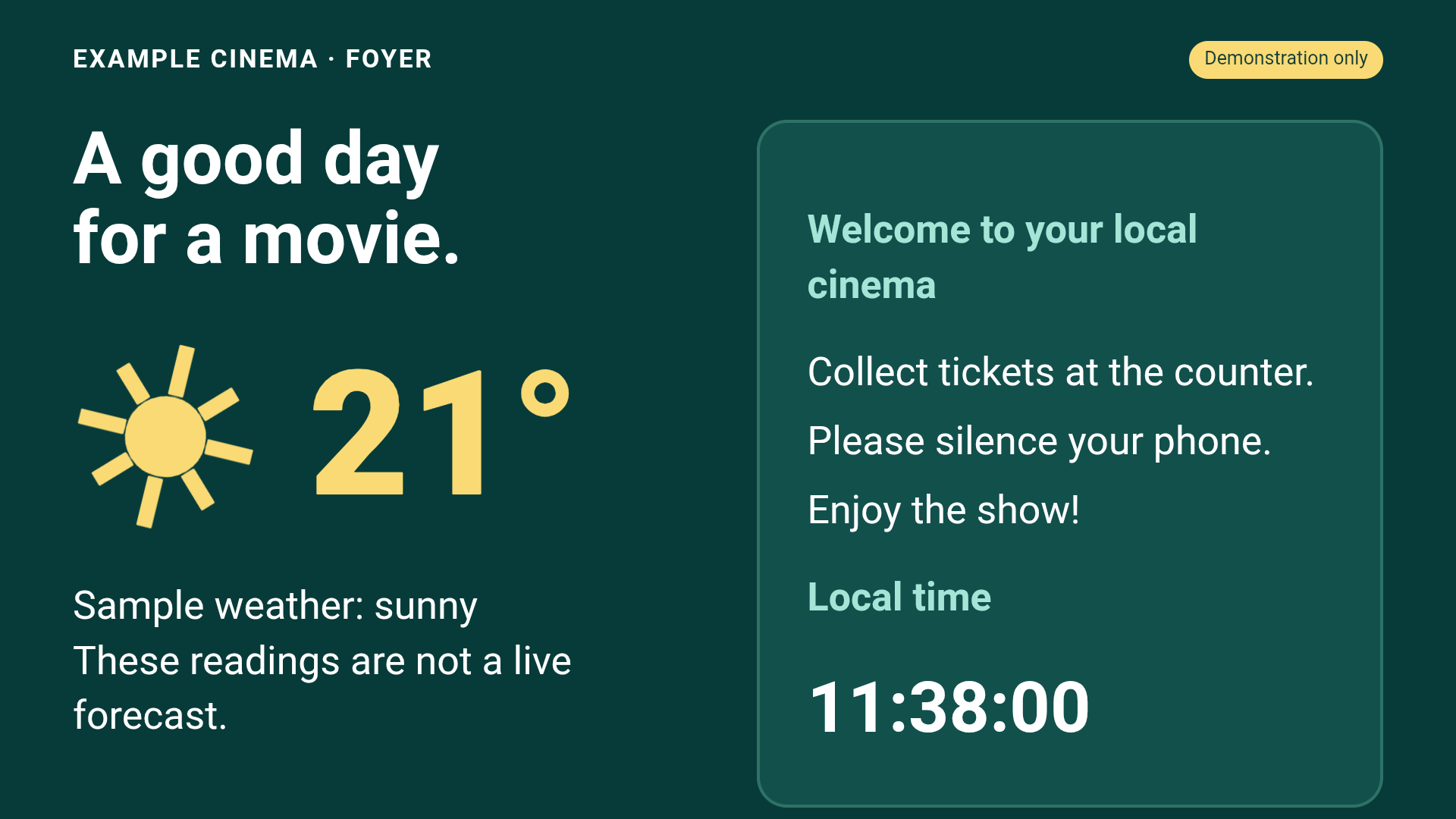
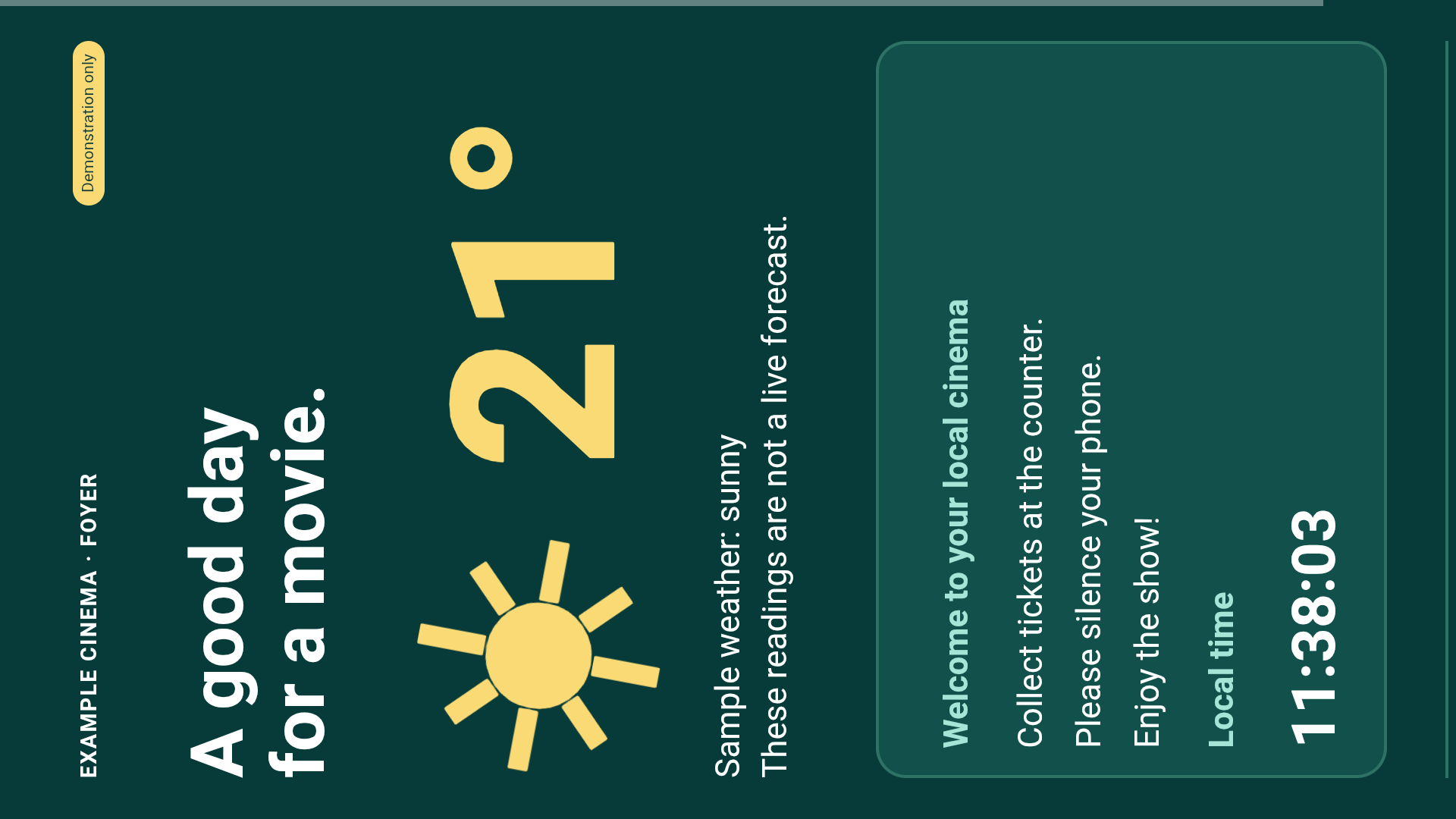
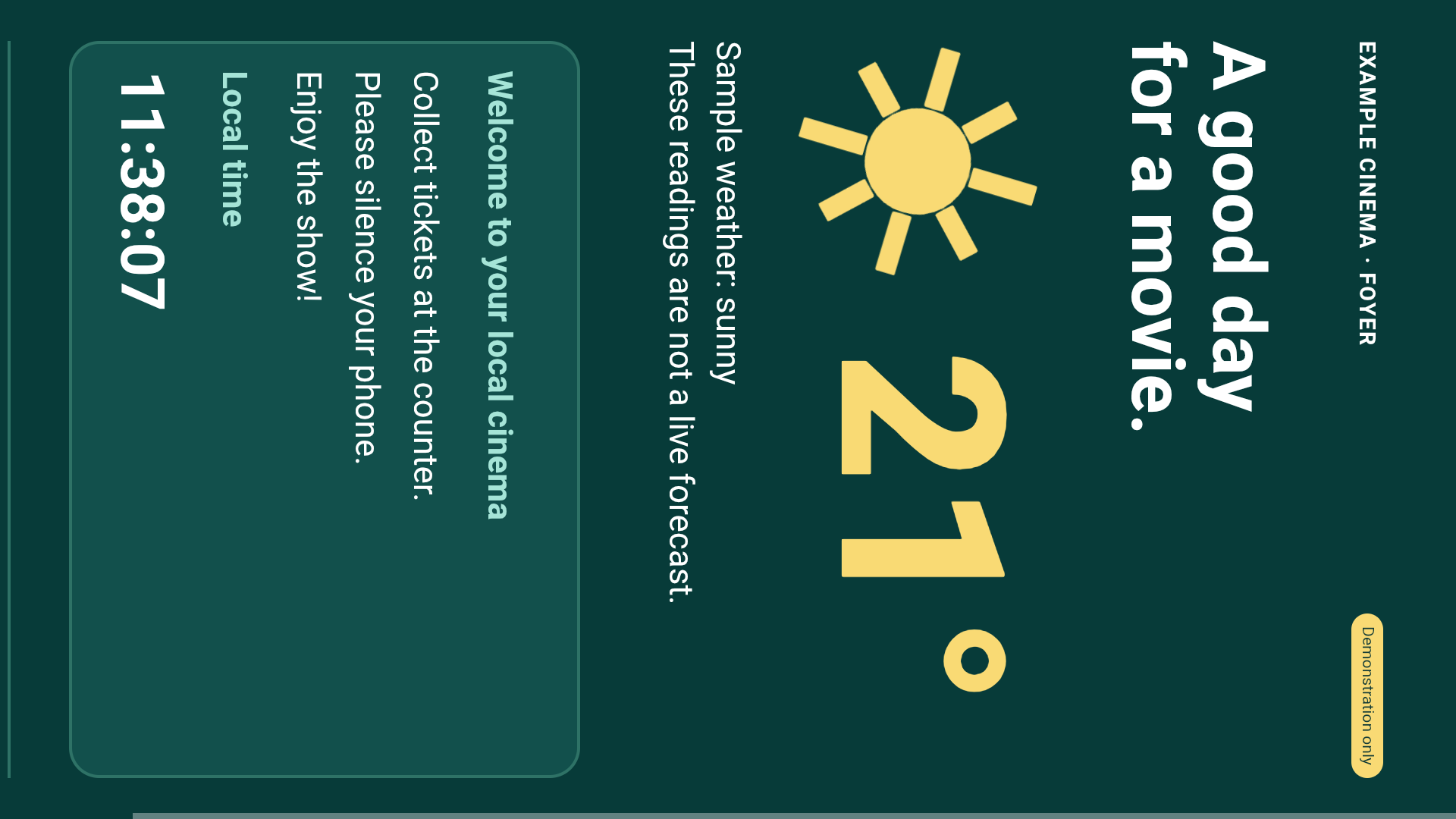
It follows Poster Display Type: unrotated, −90 or +90. For a portrait television, the browser uses a portrait-shaped page area before turning it sideways. Detailed poster layouts show the web advert across the whole poster display, rather than adding film session details to the web page.
Preloading and animation
The next scheduled URL poster starts loading up to 30 seconds before its slot. Playback reports its state as Loading, Ready or Unavailable. Only one future page is kept ready.
Once ready, the hidden page's rendering pauses to reduce competition for the player. The same browser resumes when its advert is displayed, so animations such as clocks, CSS effects and canvas graphics can continue. It does not deliberately reload the page at the start of the slot.
The browser is destroyed when the slot ends. A website should not depend on keeping the same tab permanently alive between adverts. If the app starts inside an advert slot, the initial page may still need to load. A slow website can also take longer than the preload window.
A blank preview does not always mean a blank TV
The browser control panel previews pages inside a frame. Some websites block being placed inside other sites. The Android player opens the URL directly in its own WebView. Test on the physical screen before deciding that a blocked preview makes the page unusable.
HTTPS URL adverts need a valid certificate. Do not put passwords in the URL. Sites that require sign-in, unsupported browser features, large downloads or scrolling are poor choices for unattended adverts.
Make a readable live page
- Use large text and high contrast.
- Keep the main information visible without scrolling.
- Allow enough Poster Delay for customers to read it.
- Use a reliable source and a clear fallback when its data is unavailable.
- Test on the lowest-powered player you intend to use.
- Remember that every follower needs to reach the website independently.
The included notice-board template illustrates the layout. Its clock is live, but its weather readings are samples. Your website team must connect real data before calling it a weather service.

