



Version 3.0 available now · Free cinema signage software
Show what’s on. Keep every screen fresh.
Turn Android TV hardware into synchronized poster, trailer, advertising and session-time displays—managed from a redesigned web interface and powered by cinema data from your preferred source.
Free to use · No per-screen subscription. Designed for independent cinemas.
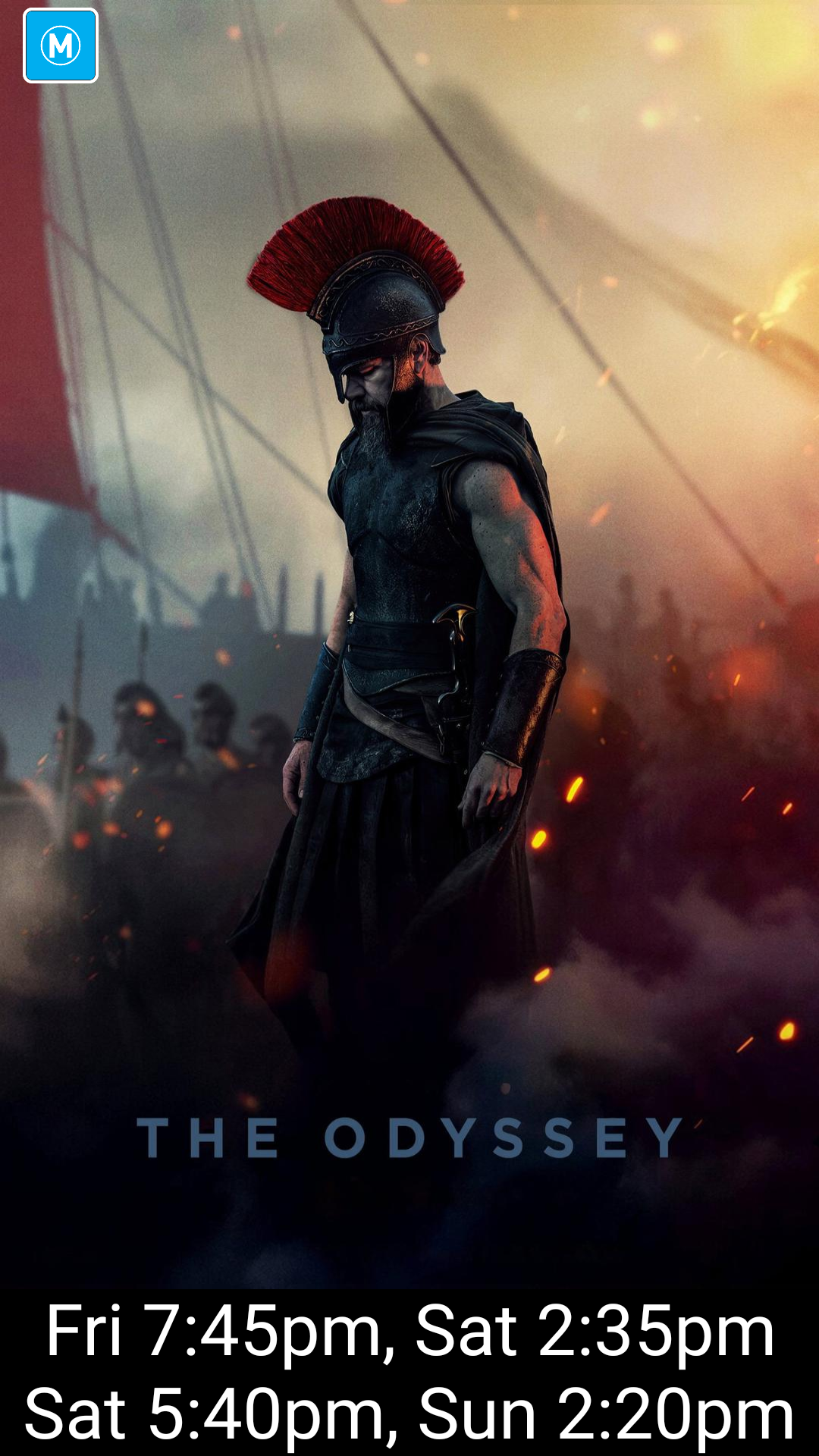
Captured from a live player
This is the real application.
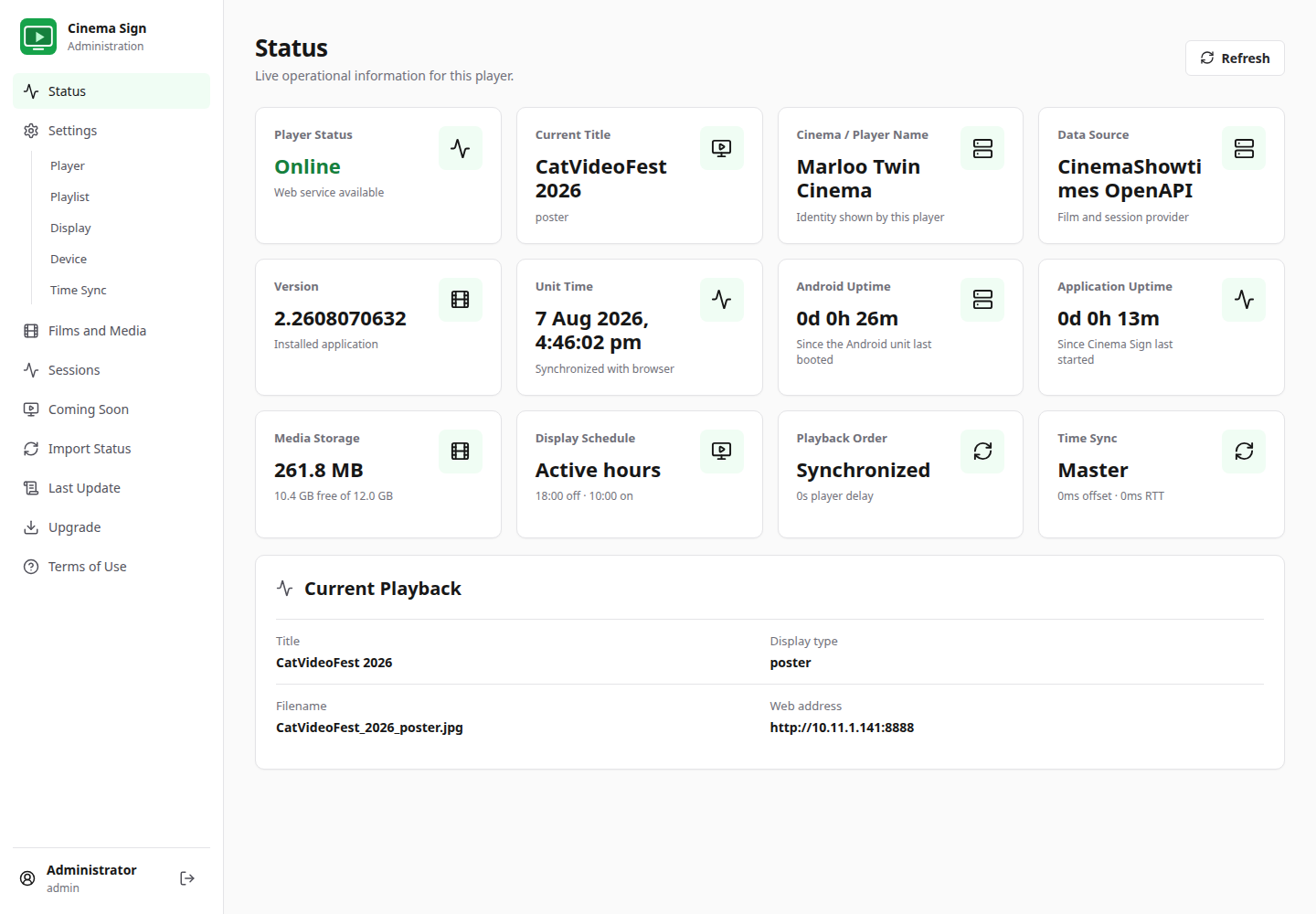
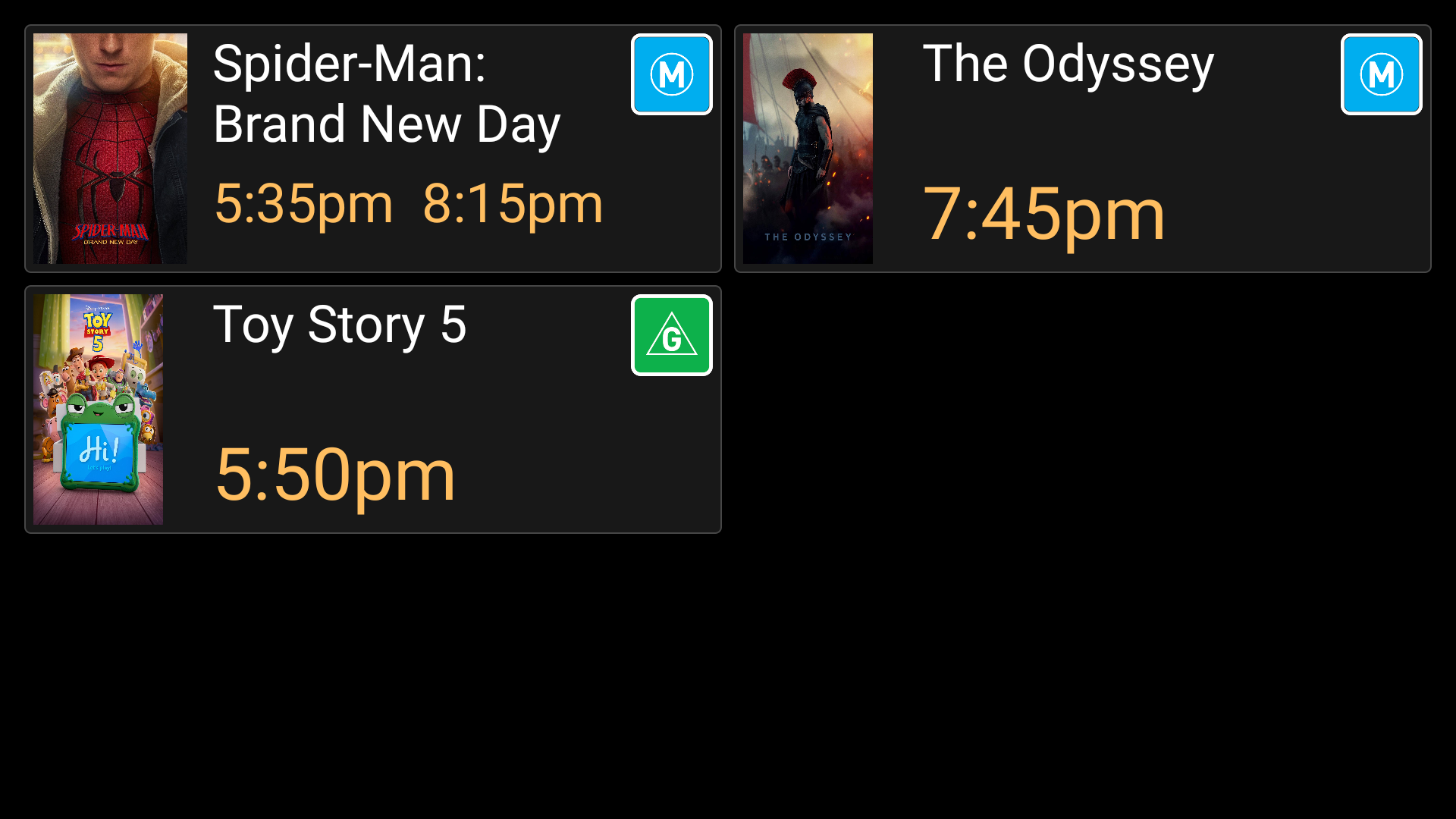
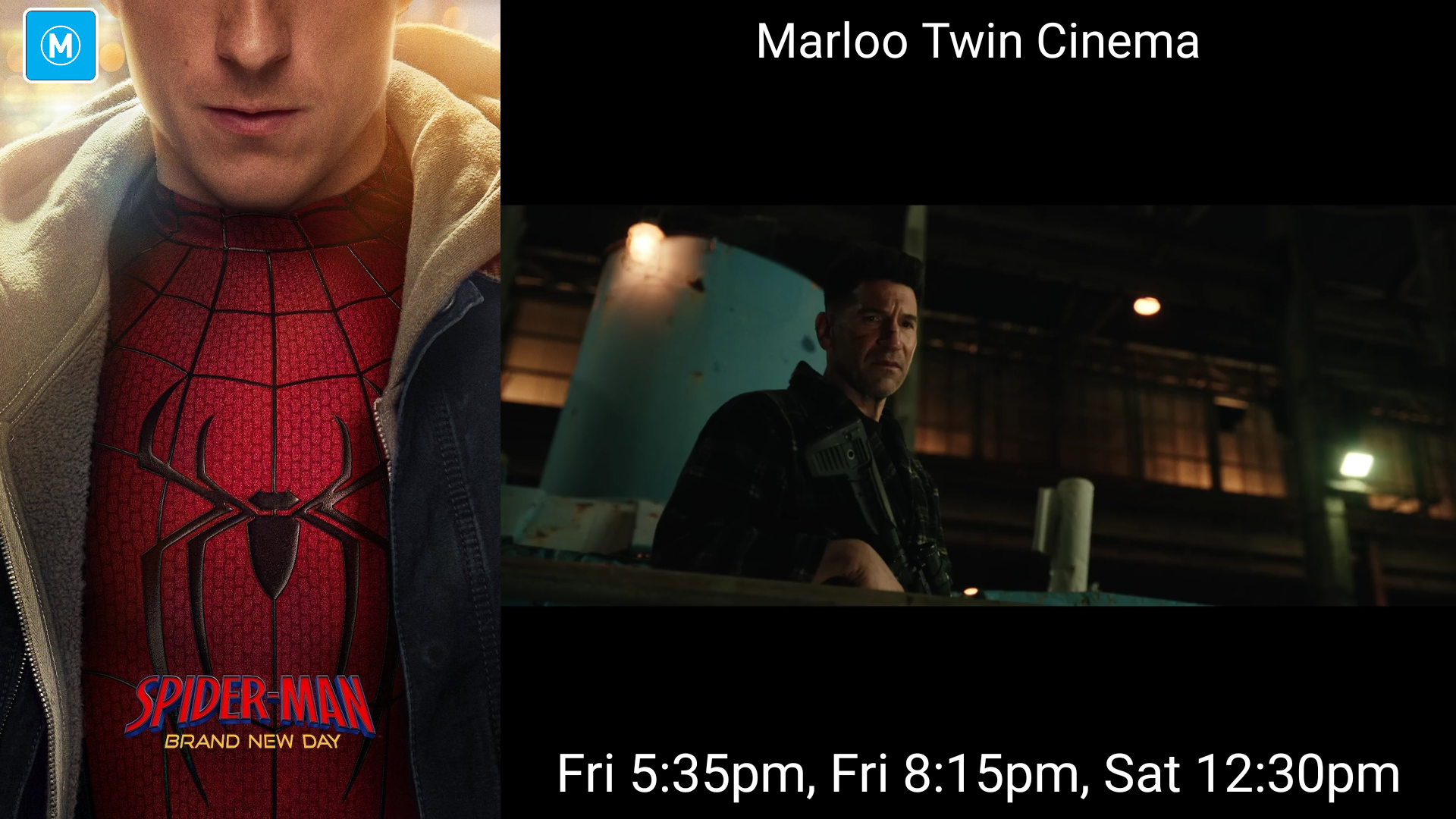
Every image below was captured from a running Cinema Sign test player using current cinema data—not a design mock-up.

One player, many jobs
Signage that understands cinema.
Cinema Sign combines showtime-aware playlists, local media caching and multi-player synchronization in one lightweight Android TV application.
Posters, trailers, ads and sessions
Choose a display style per screen, including portrait rotation, detailed film layouts and session grids with scheduled advertising.
More cinema data sources
Use CinemaShowtimes OpenAPI, VenueMaster, Veezi, legacy BLOAD.TXT, manual data or another Cinema Sign player.
Full-day synchronized playlists
Dated JSON playlists cover 00:00–23:59, while the Playback page shows the current item, position and everything coming next.
Regional classifications
Select classification artwork for 16 markets or disable it completely. CinemaShowtimes feeds automatically use the configured territory.
Coming Soon that fits
Coming Soon playlists use the existing detail area with text sized and rotated for upright, ±90-degree and landscape screens.
Master data, independent screens
Configure cinema data and media once on a master player, then let each follower retain its own poster, trailer or session-time presentation.
Redesigned in Version 3
Manage the player from any browser.
Review status, current playback, the full synchronized playlist, advertising, storage, clock drift, media and sessions without interrupting the display. Choose the light interface or the new dark theme with green accents.
See everything includedStatus
Ready for a practical trial?
Install one player. Use the included public demo feed. See it working in minutes.
On NVIDIA Shield, install Downloader by AFTVnews from Google Play, then
open https://www.d-cine.net/cinema-sign-apk/get.php to select and install the
latest Cinema Sign APK. Accept the Terms of Use, open the administration address displayed
on the television, and sign in with username admin and password d-cine. For automatic startup, enable Display over other apps,
disable Energy optimization, and turn on Start on Boot in Cinema
Sign. Keep the administration page on a trusted local network.

