


DCP Cine Player
DCP playback, automation, ingest and cinema operations for a dedicated cinema appliance.
DCP Cine Player is out of beta and available for DCP packages, encrypted KDM workflows, SPL playlists, scheduled operation, audio routing, calibration, QC telemetry and TMS/SMS integration.
It creates an appliance user, enables autologin and takes over the machine for cinema playback. Choose Workstation mode on laptops, office PCs, shared servers and any other non-dedicated computer.
Built for the people running the room
Professional playback without hiding the operational detail
DCP Cine Player brings content preparation, playback, scheduling and automation into one browser-controlled system. It is designed for cinema exhibition, post-production and QC, museums and galleries, screening rooms, education, and other automated content playback environments.
The player combines operational playback, content preparation and theatre integration in one inspectable system, with clear safety boundaries around calibration, scheduling and device changes.
Production feature set
One player, from ingest to screen
Current implementation status is shown separately from active beta and roadmap work.
Playback
Reliable cinema playback with audio-first timing and visible performance telemetry.
DCP playback
AvailableJPEG 2000 DCP package playback with CPL indexing, frame-rate-aware timing, encrypted-content readiness checks and configurable decode workers.
Media file playback
Active betaMP4, MOV and MKV playback with probed duration, frame rate, codec, resolution, colour, audio and subtitle metadata.
Low-spec resilience
Active betaPlayback prioritises audio continuity and can drop video frames when decode or rendering cannot keep up.
Transport controls
AvailableLoop, pause, resume, item jump, restore-point resume, eject and direct clip playback controls.
Blackmagic and SDI path
AvailableDeckLink-class output hardware detection and SDI-oriented telemetry for appliance workflows.
Deeper playback QC
ComingExpanded detection for freezes, silence, channel and phase faults, loudness, subtitles, timecode and delivery metadata.
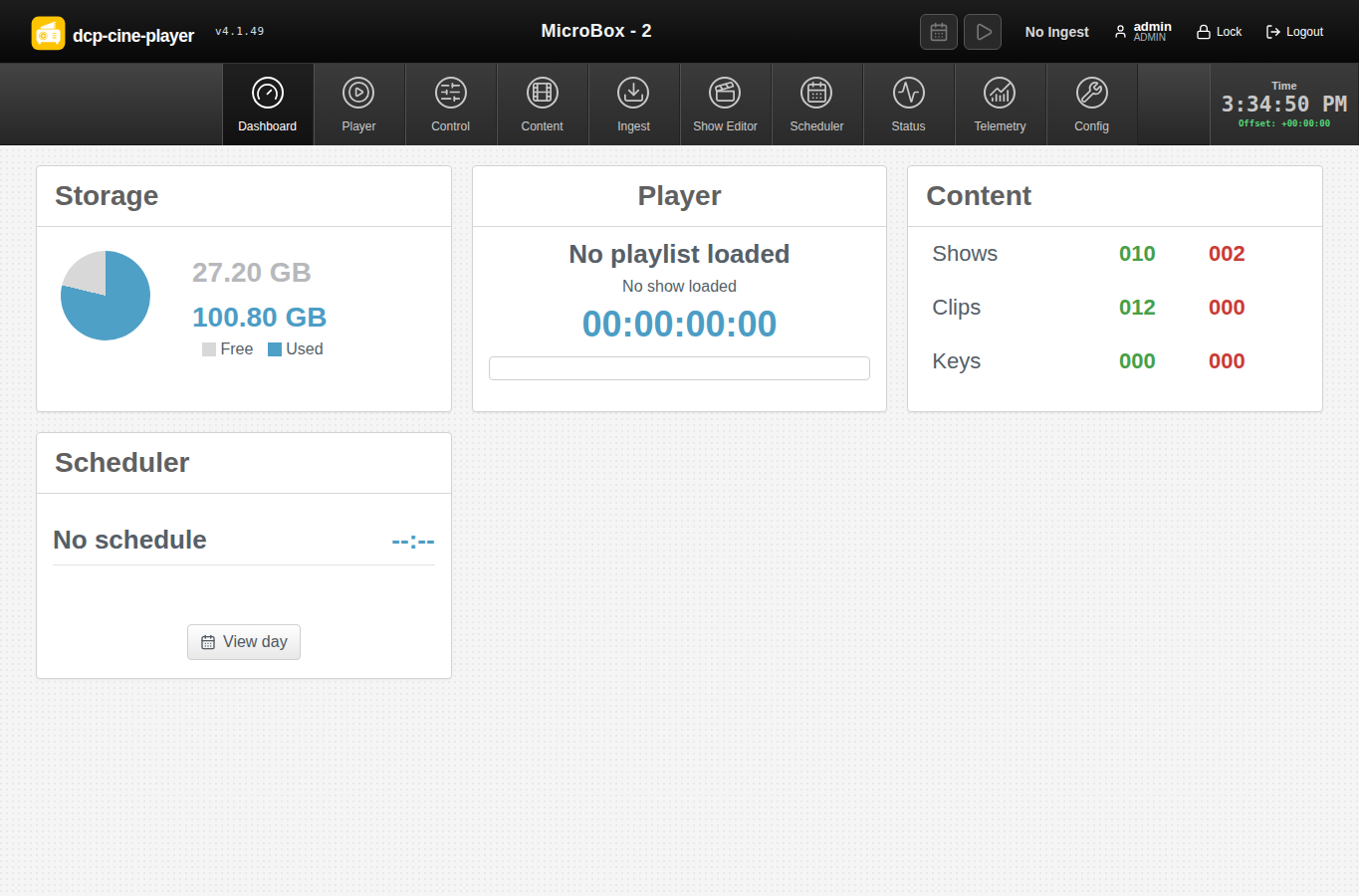
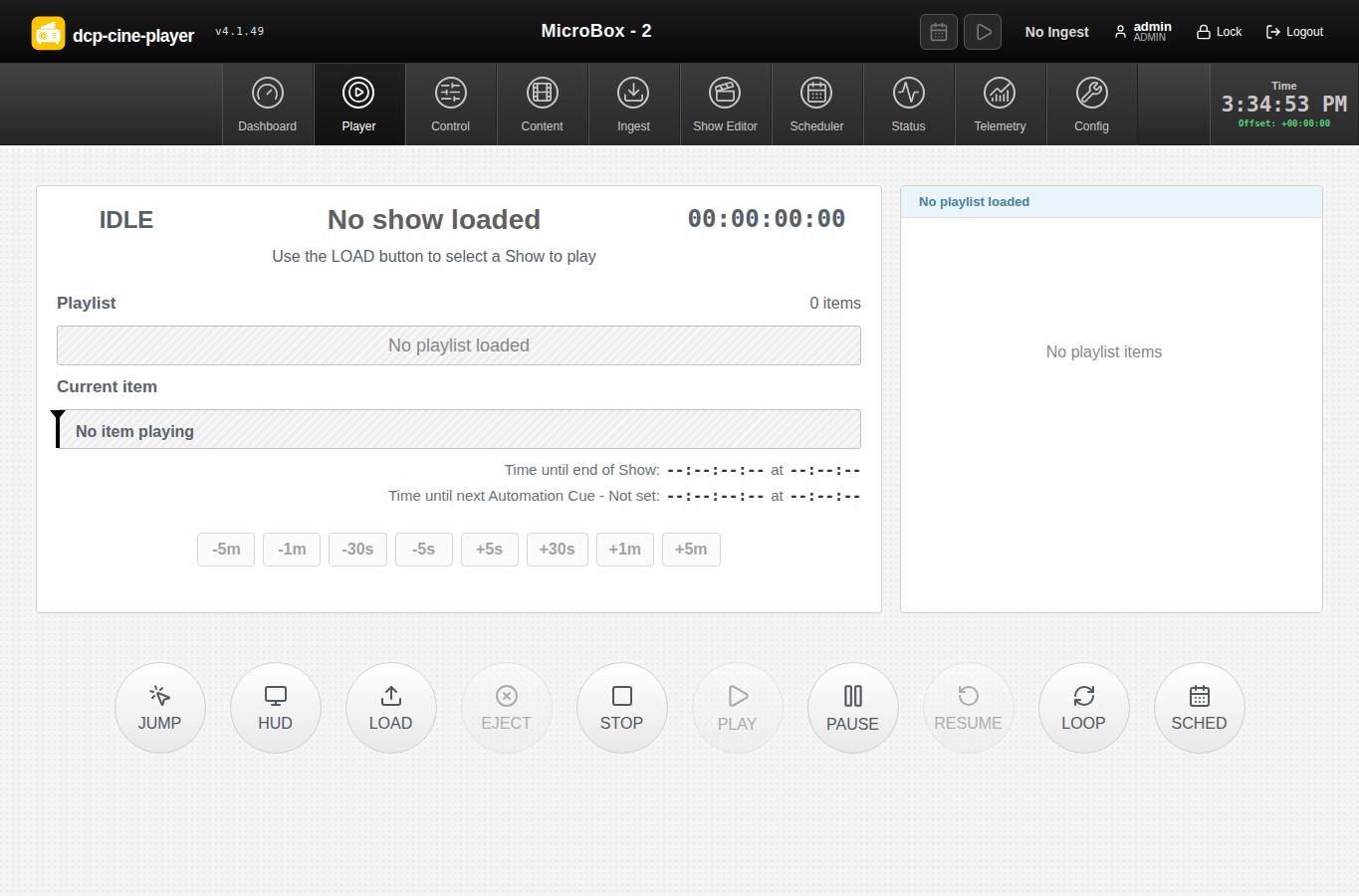
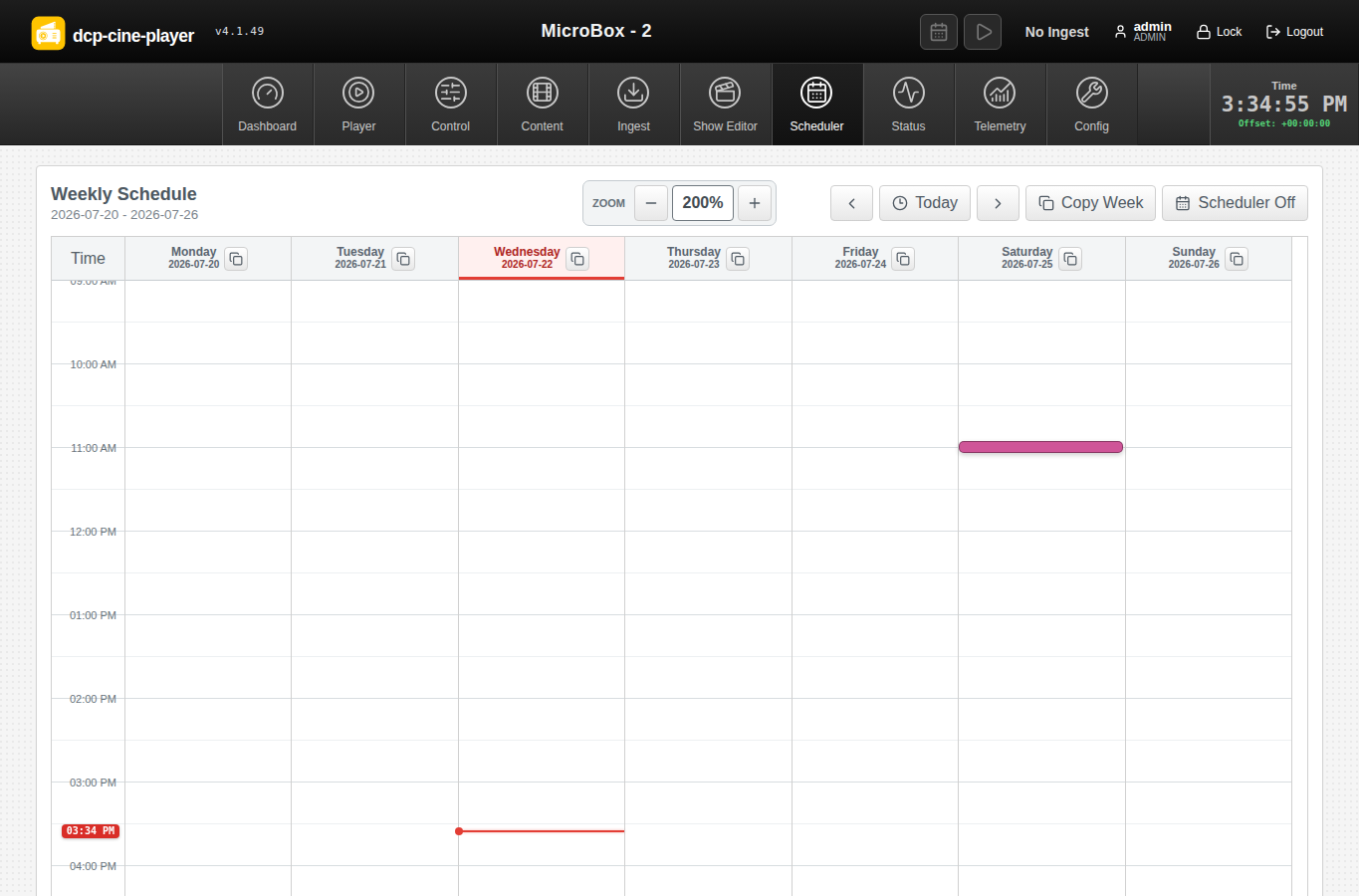
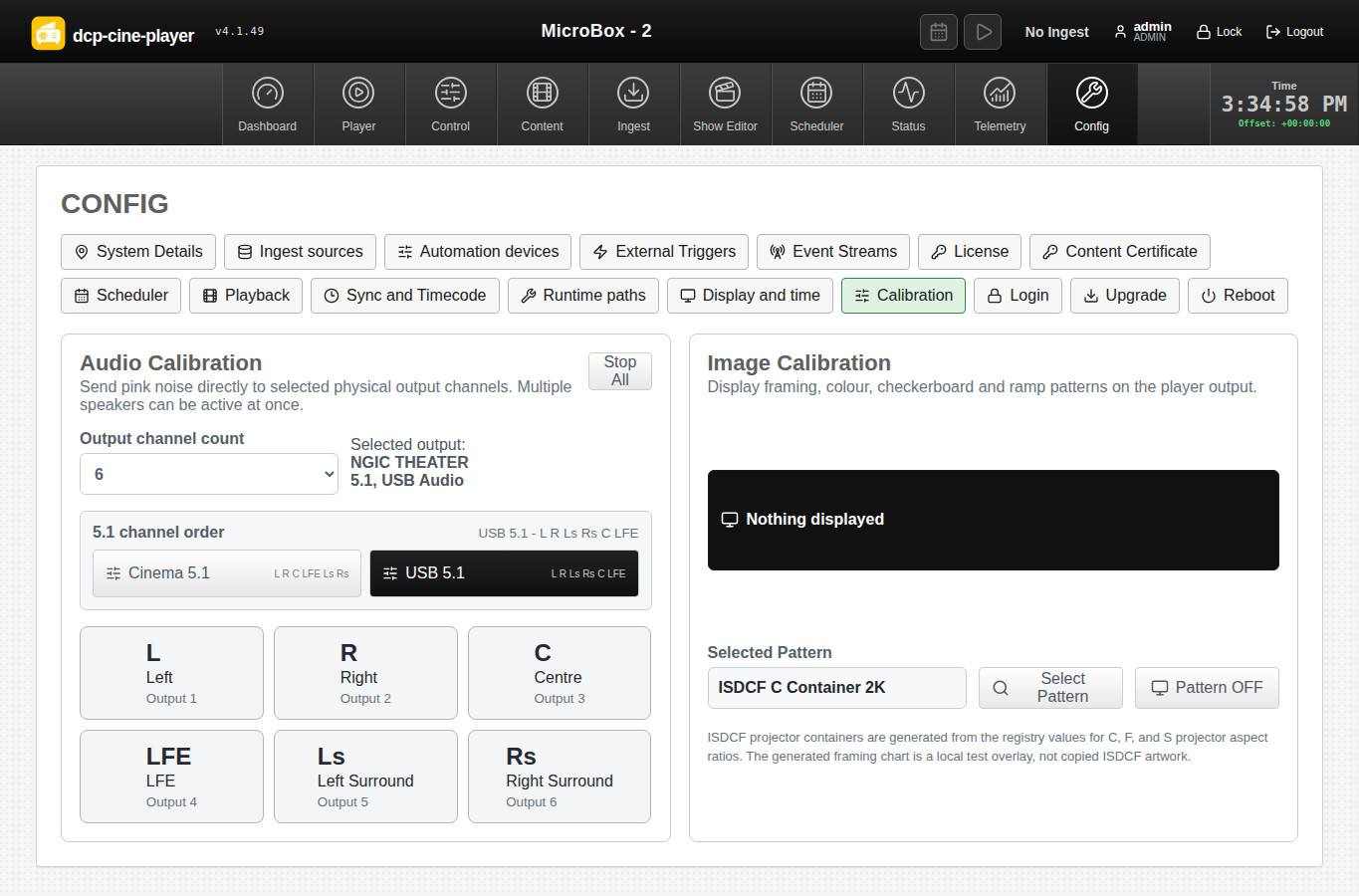
Interface highlights
Designed for repeated cinema operation
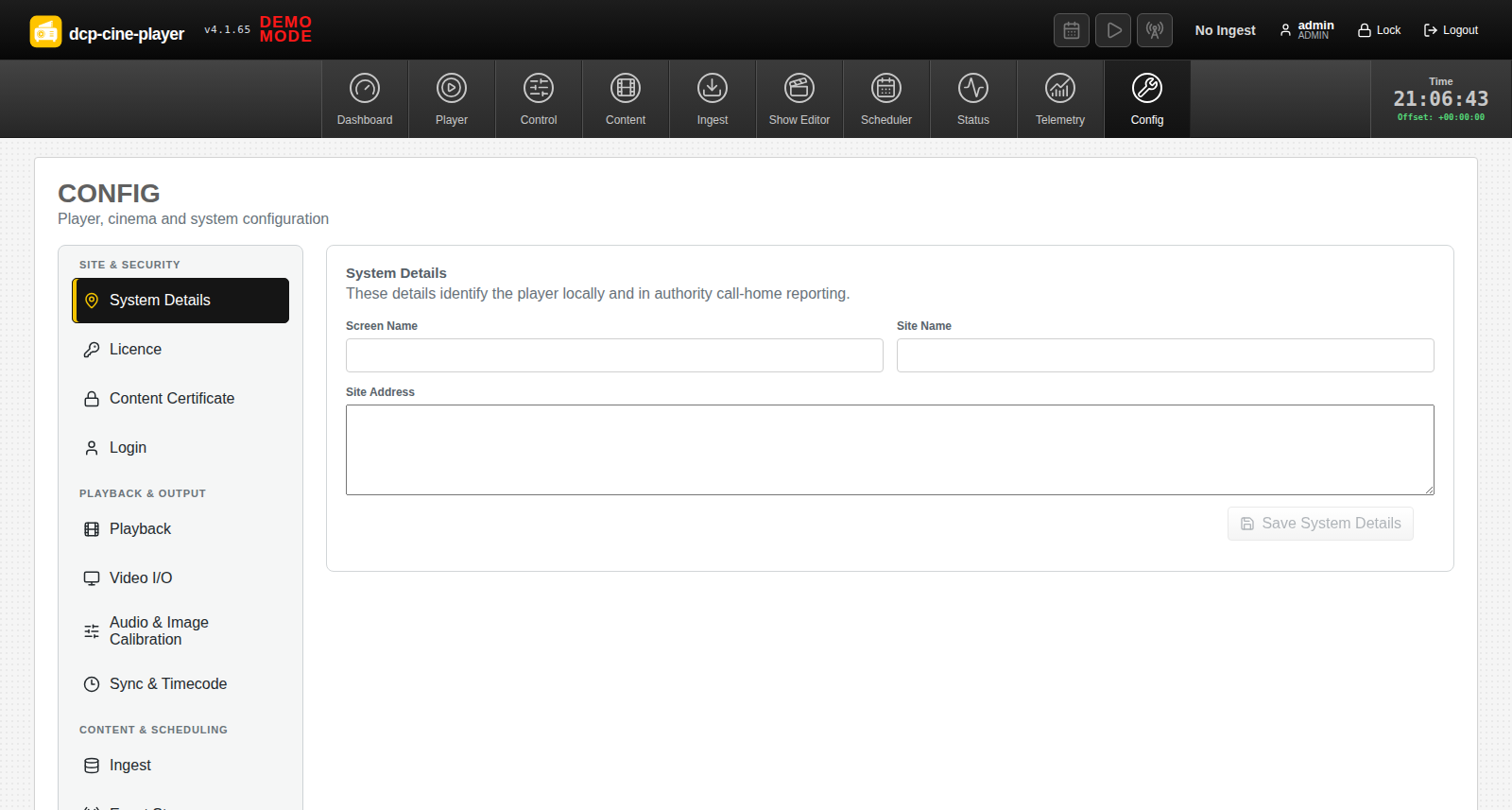
Clear status, dense information, direct control and visible operational boundaries.
Help shape the player
We are looking for practical feedback
Tell us what belongs in the product, what does not, and how the interface should fit the way you prepare and present content. Feedback on the visual design, feature set, terminology, control placement and day-to-day workflows is all useful.
Expected commercial price
The expected licence price includes licensing for the integrated Kakadu JPEG 2000 decoding engine. Pricing and final licence terms will be confirmed on request.
JPEG 2000 technology partner
Kakadu Software
DCP Cine Player integrates the Kakadu SDK for its high-performance JPEG 2000 decoding path. Kakadu provides a complete JPEG 2000 software toolkit used for professional image and motion workflows.
Download and install
Ubuntu 26.04 Desktop, amd64
Appliance installation warning
- Start with a clean Ubuntu 26.04 Desktop installation on dedicated hardware.
- Appliance mode creates the
dcpplayeruser and configures supported display-manager autologin. - After reboot, the player starts automatically and takes over the machine as a cinema appliance.
- Choose Workstation mode for every non-dedicated computer.
Workstation
Default. Installs the player application without changing the computer login or desktop behaviour.
Appliance
For a fresh, dedicated player only. It creates a player account, enables automatic login and starts the player as the machine interface.
curl -fL -o dcp-cine-player_4.1.65_amd64.deb \
  https://authority.d-cine.net:38443/dcp-cine-player-releases/dcp-cine-player_4.1.65_amd64.deb
echo "f13fcdd0f96f813071ca0f6823ff3ca1880f57418b9e054bea233ab1d757a060  dcp-cine-player_4.1.65_amd64.deb" | sha256sum -c -
sudo apt install ./dcp-cine-player_4.1.65_amd64.deb
# Reboot after choosing Appliance mode.
sudo reboot
SHA-256: f13fcdd0f96f813071ca0f6823ff3ca1880f57418b9e054bea233ab1d757a060
Workstation: no appliance account, autologin, service autostart, suspend policy or screen-lock policy is changed.
Appliance: runtime settings are stored in /etc/dcp-cine-player/player.env. The web interface is available on port 8080 after startup.
Updates: package and online upgrades preserve the selected installation mode.
Development direction
What we are considering next
These areas are being developed beyond the current production feature set.
- Automated QC findings for frozen frames, illegal levels, silence, phase, loudness, captions and metadata.
- Expanded media validation, track-language display and clearer warnings for risky delivery formats.
- Persistent speaker maps, named calibration sessions and installation verification reports.
- Richer SDI and projector status, framing workflows and device-specific output validation.
- Stronger pre-show validation, automatic KDM-window warnings and schedule conflict resolution.
- Production event-stream templates, validation and third-party packaging workflows.
- Denser status dashboards and more consistent recovery for remote operators.

