



Report a fault with useful information
Collect the details before restarting or changing lots of settings. A full process restart can clear a RAM-only update report.
- Record the player name, physical location and software version from Status.
- Describe what you expected and what actually happened. Include the film or advert title, date and local time.
- Take a photograph of the physical screen, especially for rotation, blanking or readability issues.
- Capture the relevant browser page: Playback, Import Status, media editor or Data Update Log.
- Note the provider, layout, selection formula and any recent change.
- For storage issues, record free space and the cleanup result, including blocked targets.
- For a live URL page, provide its public address if appropriate and whether the TV or only the browser preview failed.
For a restart-related problem
If support needs an update report after a full process restart, temporarily turn Save app update logs to storage On and save before reproducing it. Turn it Off again when finished. Data Update Log is an update report, not a complete Android crash log; an installer may need separate Android diagnostics for a crash.
Do not include private credentials
Do not send passwords, API tokens or a complete raw settings export in a public forum. Crop or obscure sensitive account fields in a support capture. Provider error text may include a private endpoint, so review it before posting publicly.
Review the accepted terms
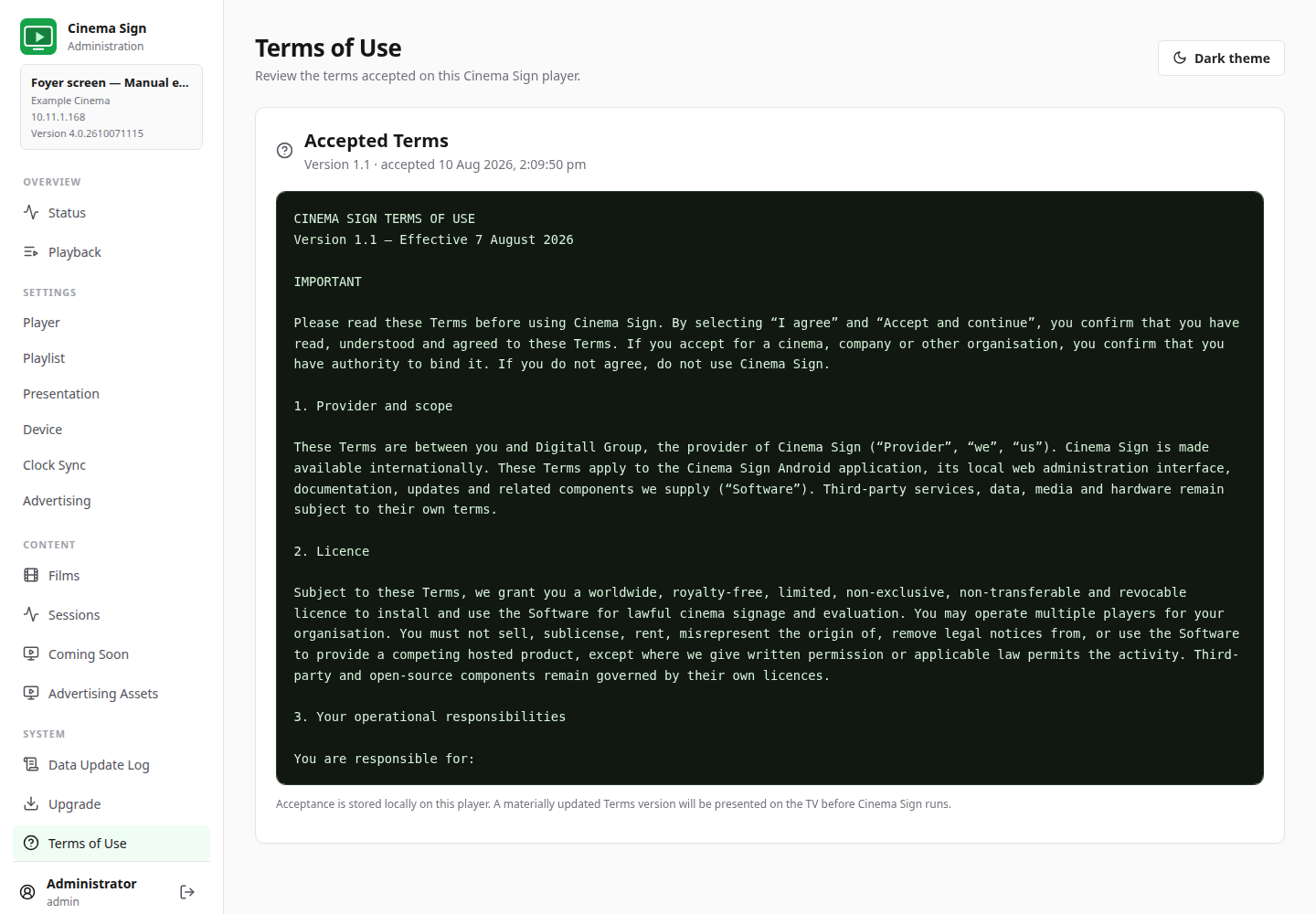
Cinema Sign is a player. Problems with a film's booking times or source publication often need the ticketing team; network and device permissions often need the installer. Give the right person the observed evidence rather than assuming every problem has the same cause.
Back to contents ↑
