



Cinema Sign 4 · Free Android TV player
Cinema Sign
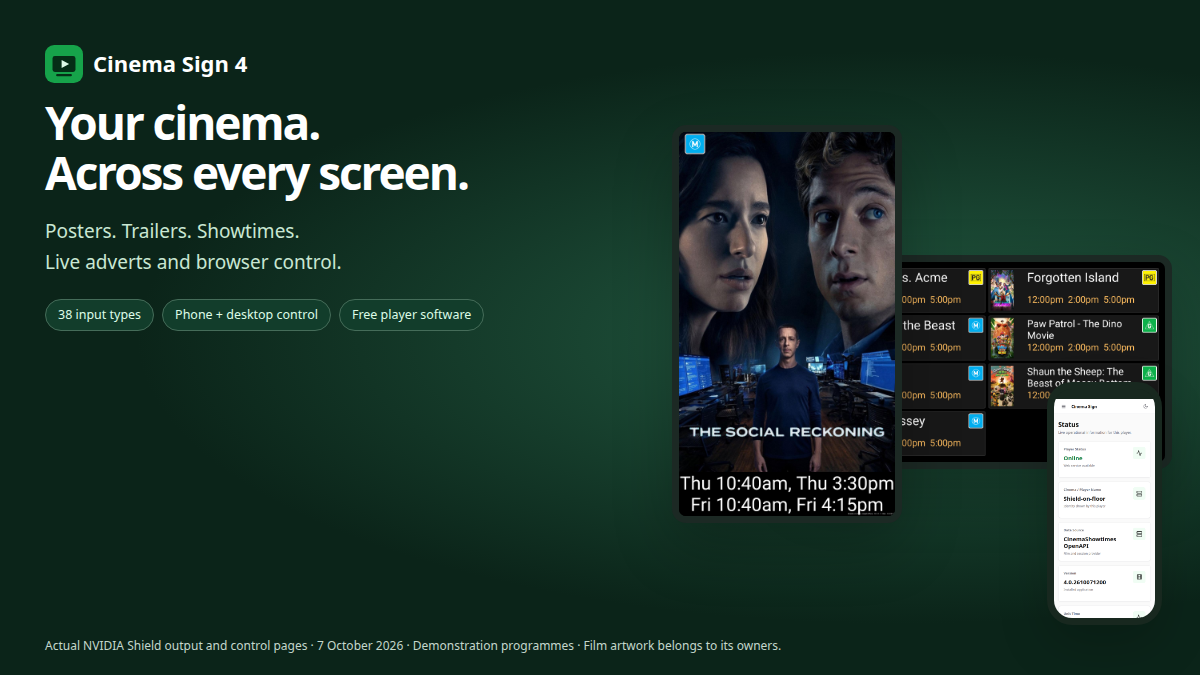
Turn your programme into posters, trailers and showtimes. Add live adverts and custom boards, then manage the screens from your phone or computer.
Free player software · No per-screen subscription
Expanded cinema connections
More ways to bring your programme to the screen.
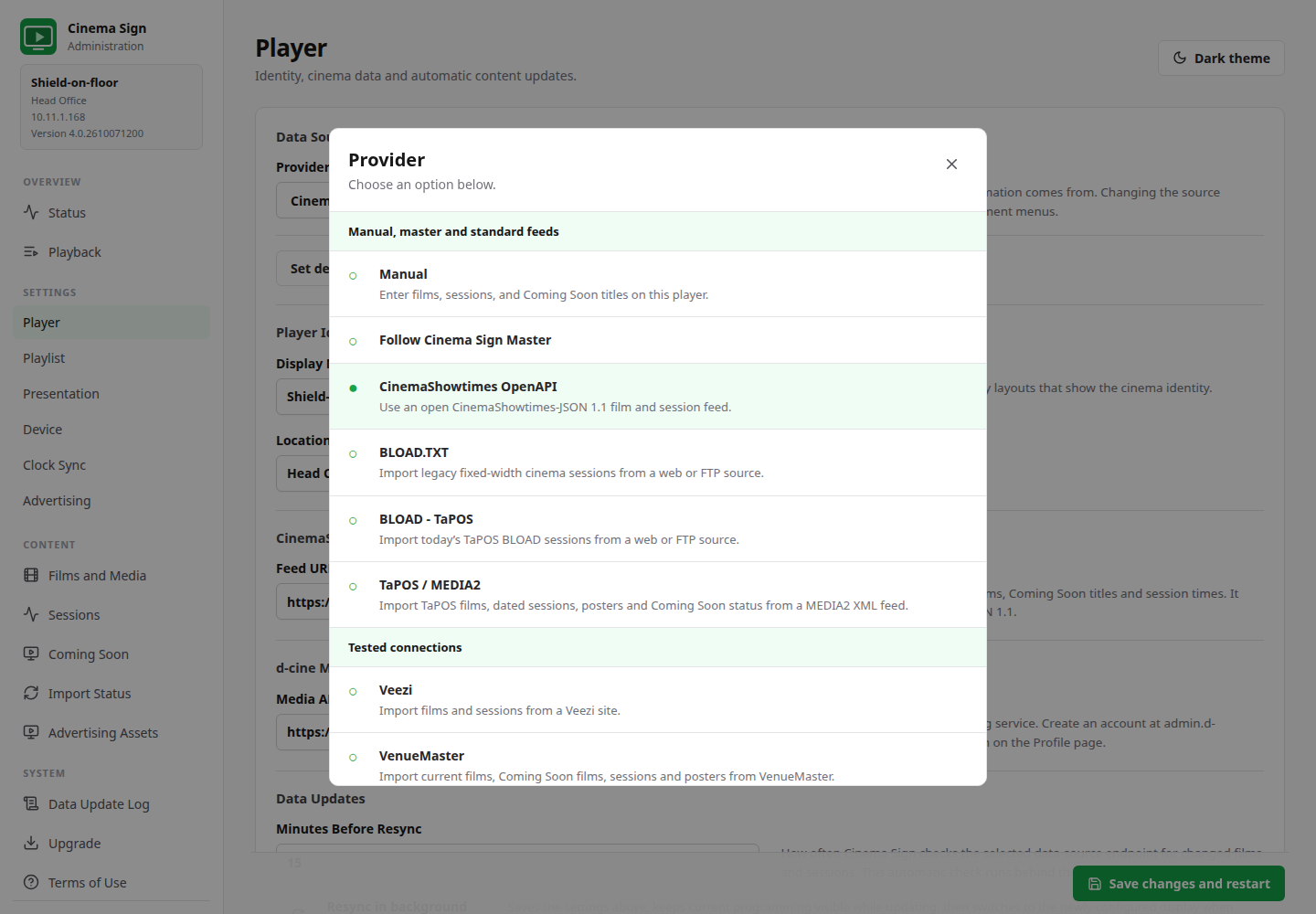
Connect your existing ticketing system, use an open feed or share a programme between players. The expanded source collection keeps connection setup, film media and each screen's presentation together in one application.
Start with Manual or Follow Cinema Sign Master. Standard feeds, both BLOAD formats and TaPOS / MEDIA2 come next, followed by previously tested connections and readers with public-programme evidence. The full provider list remains reachable on a phone or a short desktop window.
Native TaPOS XML
TaPOS / MEDIA2 joins BLOAD.
Import dated public performances, posters and the full public film catalogue directly from a MEDIA2 endpoint. Keep TaPOS's Coming Soon status, use unscheduled films or choose titles manually. BLOAD - TaPOS remains a separate text-export option.
Established connections
Keep using Veezi and VenueMaster.
Both have owner-confirmed successful prior tests. The existing Veezi reader was retained during the expansion. CinemaShowtimes OpenAPI, BLOAD.TXT and master-player sharing remain available alongside the new readers.
A wider ticketing collection
Connect more cinema programmes.
Readers include RTS, Spektrix, Eventive, TicketingCiné, Fienta, Ciné Office and more. Provider setup notes explain the feed, credentials and mapping required. Check the status of your connection before committing to a rollout.
Visible import results
Check what the player received.
Test connections where offered, inspect films and sessions, and read import errors in the control panel. Confirm the cinema, venue timezone and publication rules against your ticketing system.
Your media choices survive
Improve artwork without losing control.
Choose posters and playable trailers from d-cine or upload files. Local film/media overrides survive programme imports, and explicitly chosen trailers are retained through automatic scans. d-cine requires your own Media API key.
One programme, several screens
Share data; choose each layout.
Follow a Cinema Sign master for films, sessions and cached media. Keep a portrait poster screen, a trailer screen and a session board on different layouts, with advertising controlled on each player.



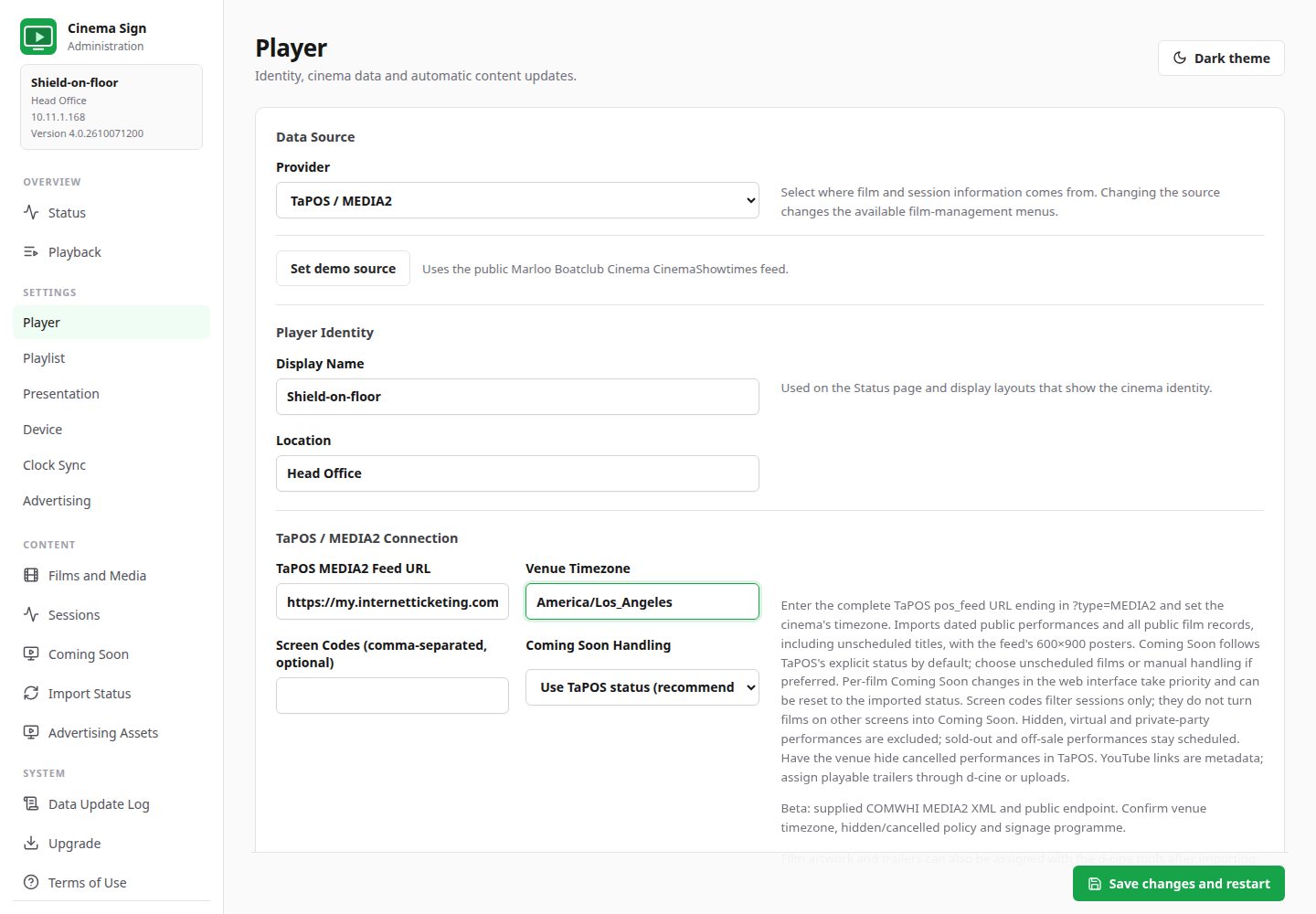
Evidence is visible: 10 ticketing readers have public-programme or vendor demo/sandbox passes; Veezi and VenueMaster have separate owner-confirmed prior tests. The catalogue distinguishes supported, beta, planned and deferred entries, with dated evidence for each.
38 input types does not mean 38 independently proven production APIs. Beta readers, including TaPOS MEDIA2, still need acceptance against your cinema's programme, timezone and publication/cancellation rules. Planned entries are not selectable.
Actual Shield display captures
A different job for every screen.
Put a portrait poster beside the auditorium, trailers in the foyer and a clear session board at the box office. Each player chooses its own presentation.
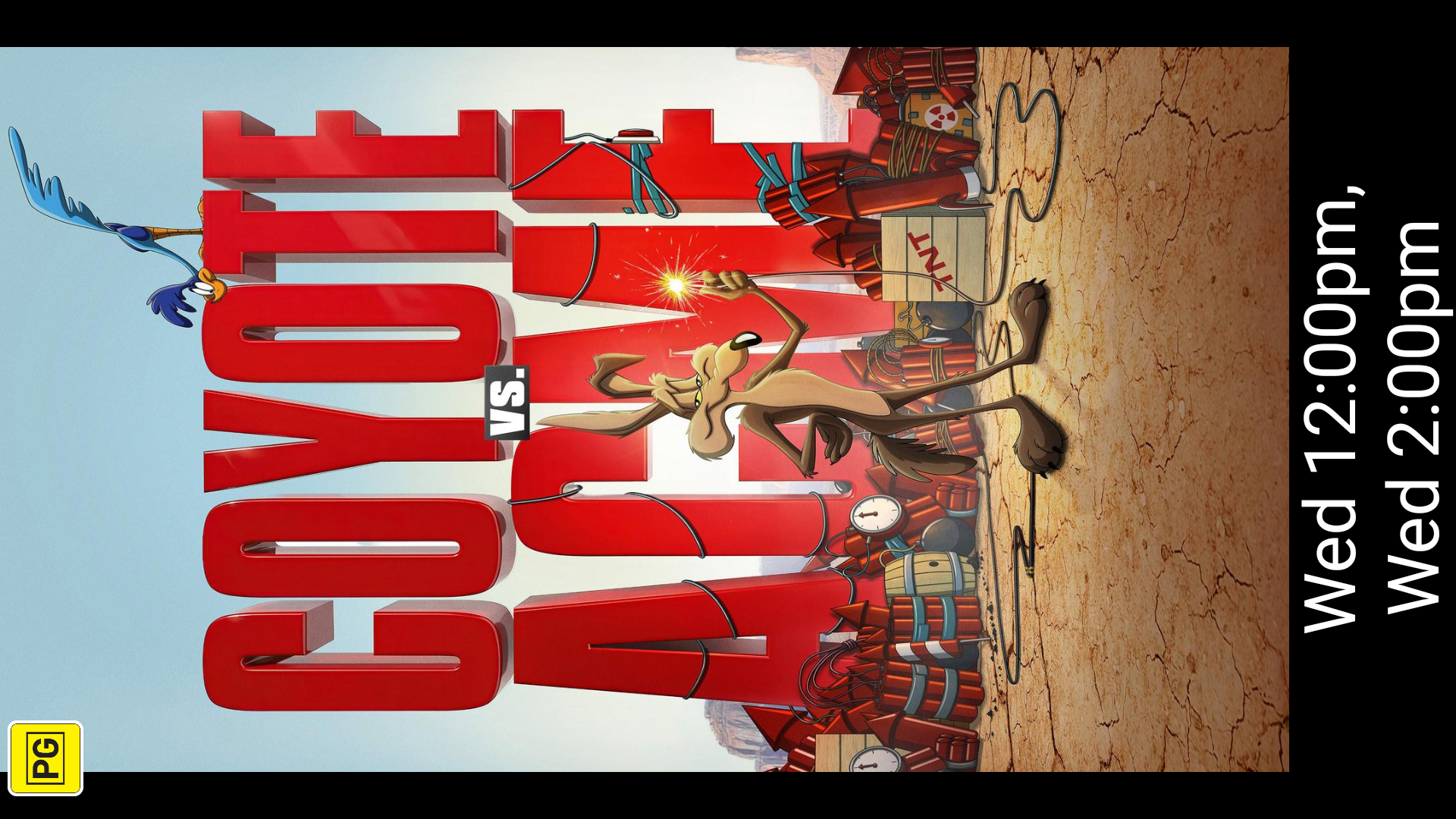

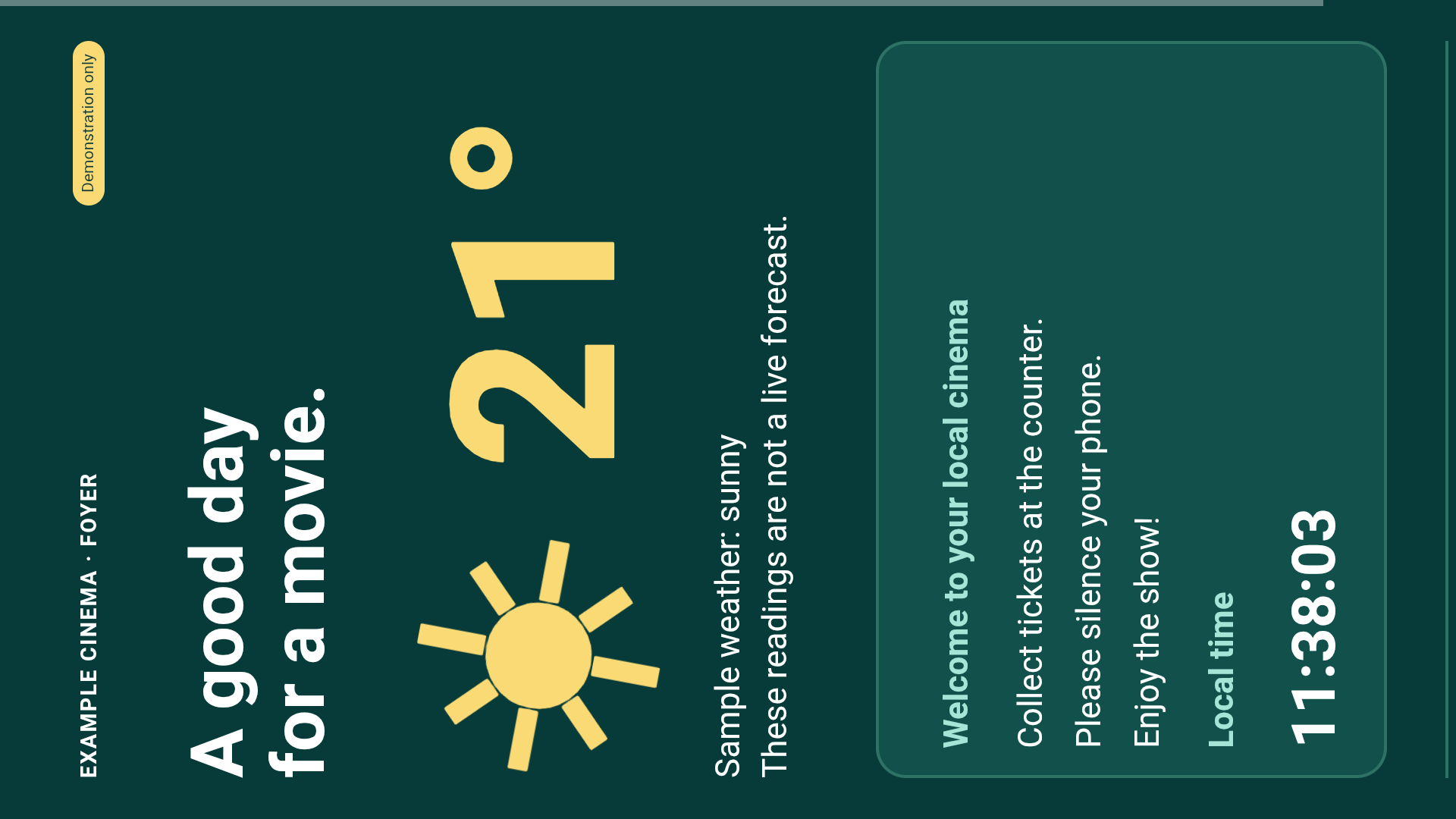
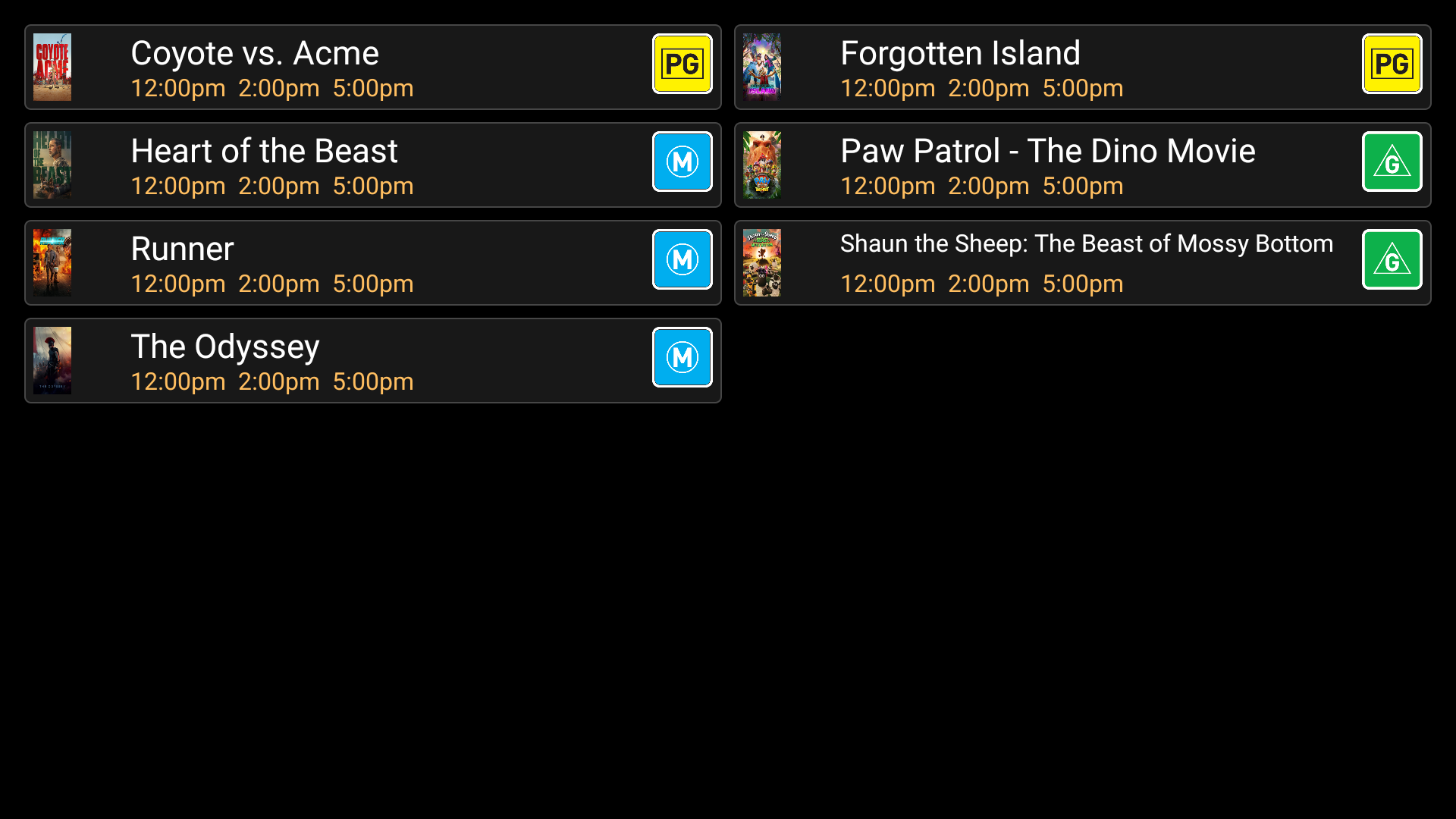
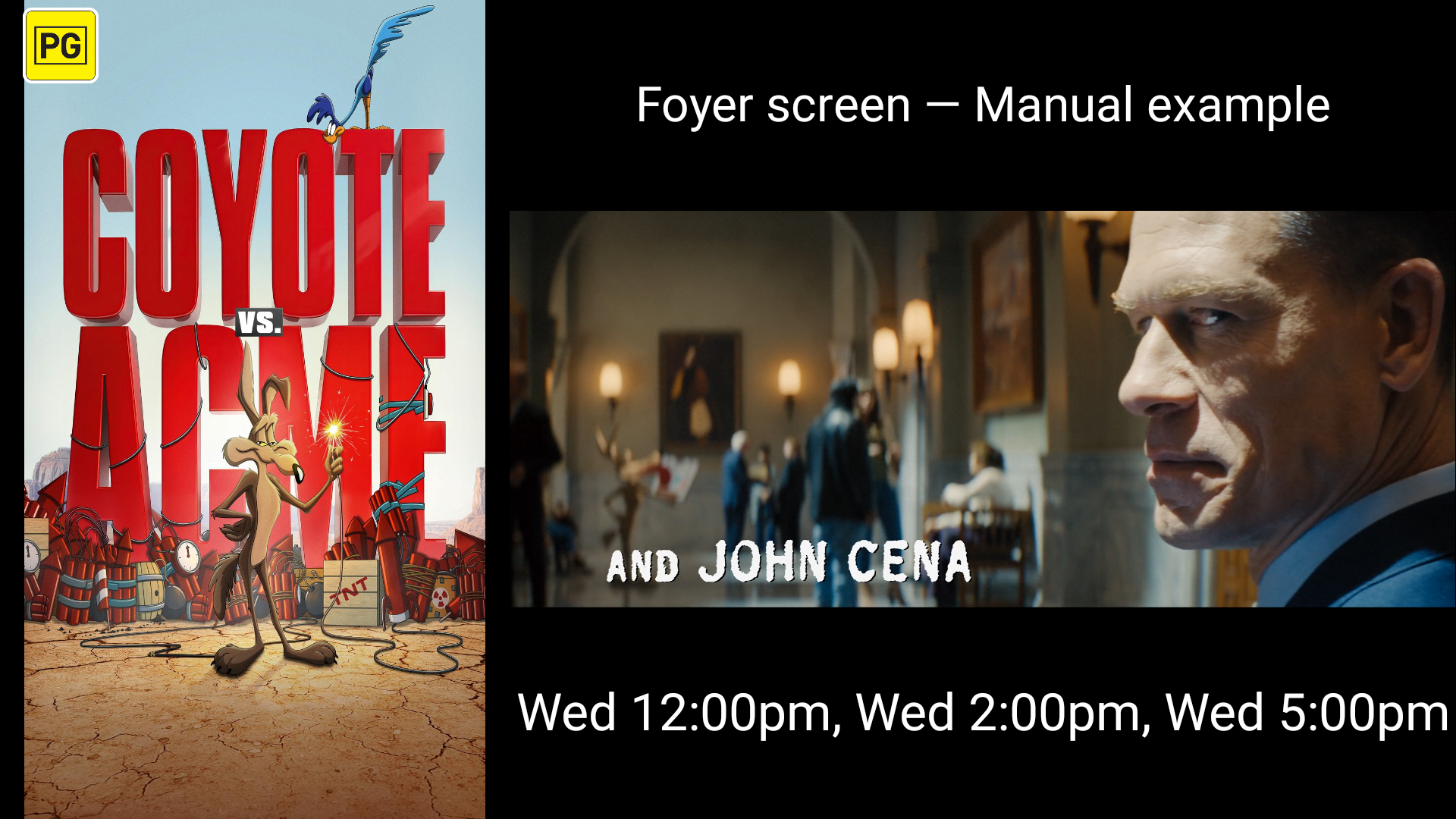
Captured on the physical NVIDIA Shield today. These examples use demonstration sessions; they are not a live cinema schedule. Select a display to open its illustrated setup instructions.
Your control panel, wherever you stand
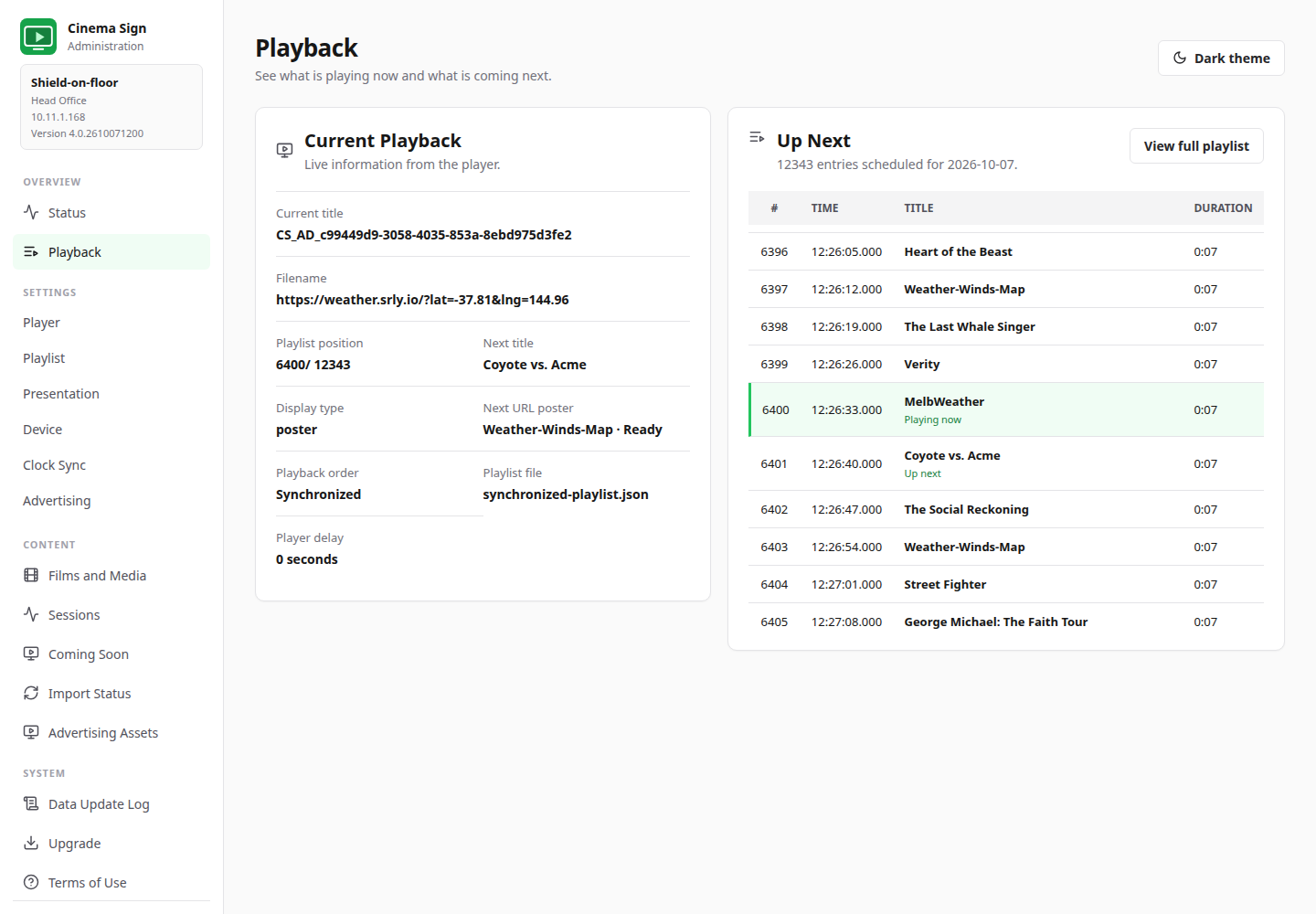
See what's playing. Change what matters.
Open the player's local website on your phone, tablet or computer. Check the screen, review upcoming items and choose film media without working through a TV remote.
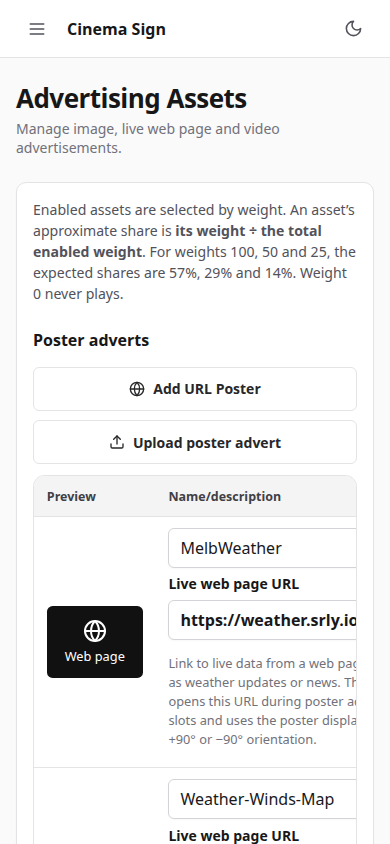
More than a poster rotation
Live adverts. Your own web boards.
Add a named URL poster for weather, news or announcements between films. Or dedicate a screen to a live page and install a custom session module that receives your cinema's data.
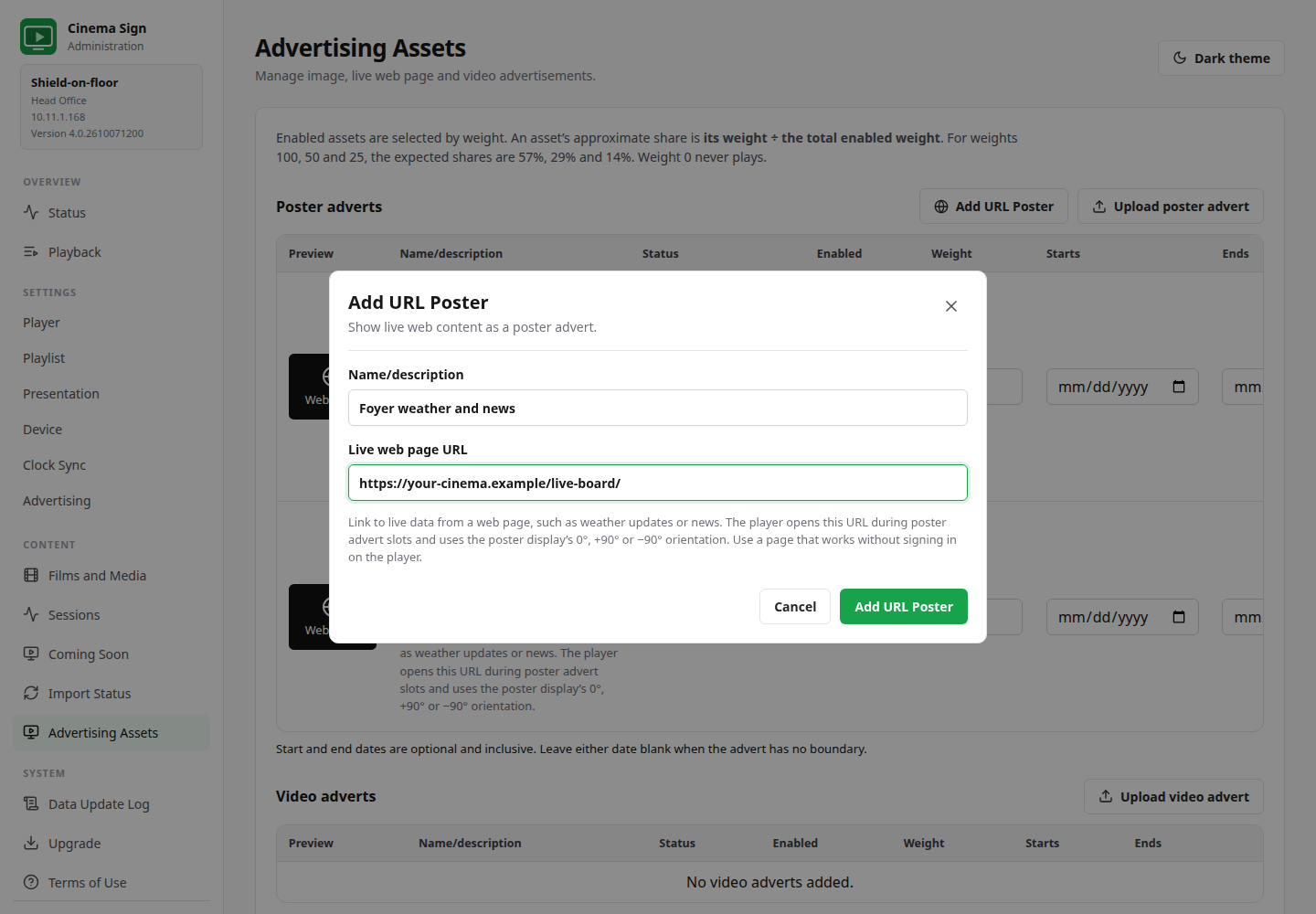
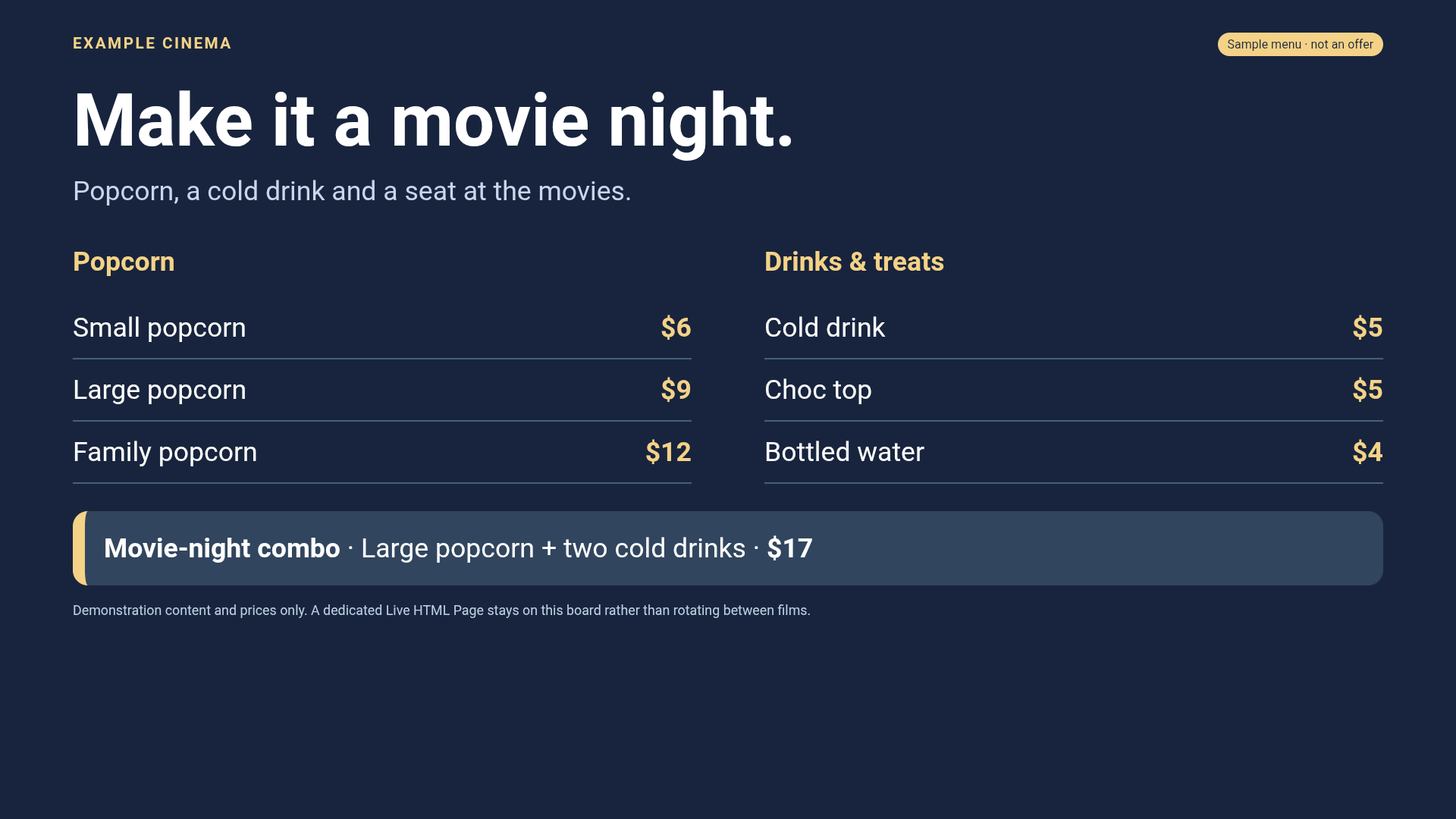
URL adverts preload up to 30 seconds before their slot, and the visible page can keep animating. Each player still needs a reachable, compatible website. Advertising uses Clock-synchronized playback.
Made for cinema staff
A visual guide from first setup to daily checks.
The 24-chapter operator manual uses 74 illustrations of actual player output and controls. Follow plain-language steps for films, layouts, advertising, TaPOS, storage, logging and upgrades.
Start with one player.
Install the signed APK, accept the Terms of Use and try the public CinemaShowtimes demo. Then connect your own programme, verify your media and test unattended operation on your actual hardware.
Open official downloadsThe app is free. Hardware, vendor APIs, media access and separately supplied modules may have their own costs.

