



DCP Cine Player
DCP, IMF and EAR-Tech playback, from ingest to screen.
DCP Cine Player combines DCP and unencrypted IMF packages, EAR-Tech encrypted-at-rest media, KDM workflows, SPL playlists, scheduling, audio routing, calibration and TMS/SMS integration. D-Cine Display Lock adds approved-display controls to protected playback.
The current 4.2.13 public build is beta. Test your selected media, outputs and hardware before production use. Feedback on the design and feature set is welcome.
It creates an appliance user, enables autologin and takes over the machine for cinema playback. Choose Workstation mode on laptops, office PCs, shared servers and any other non-dedicated computer.
Built for the people running the room
Professional playback without hiding the operational detail
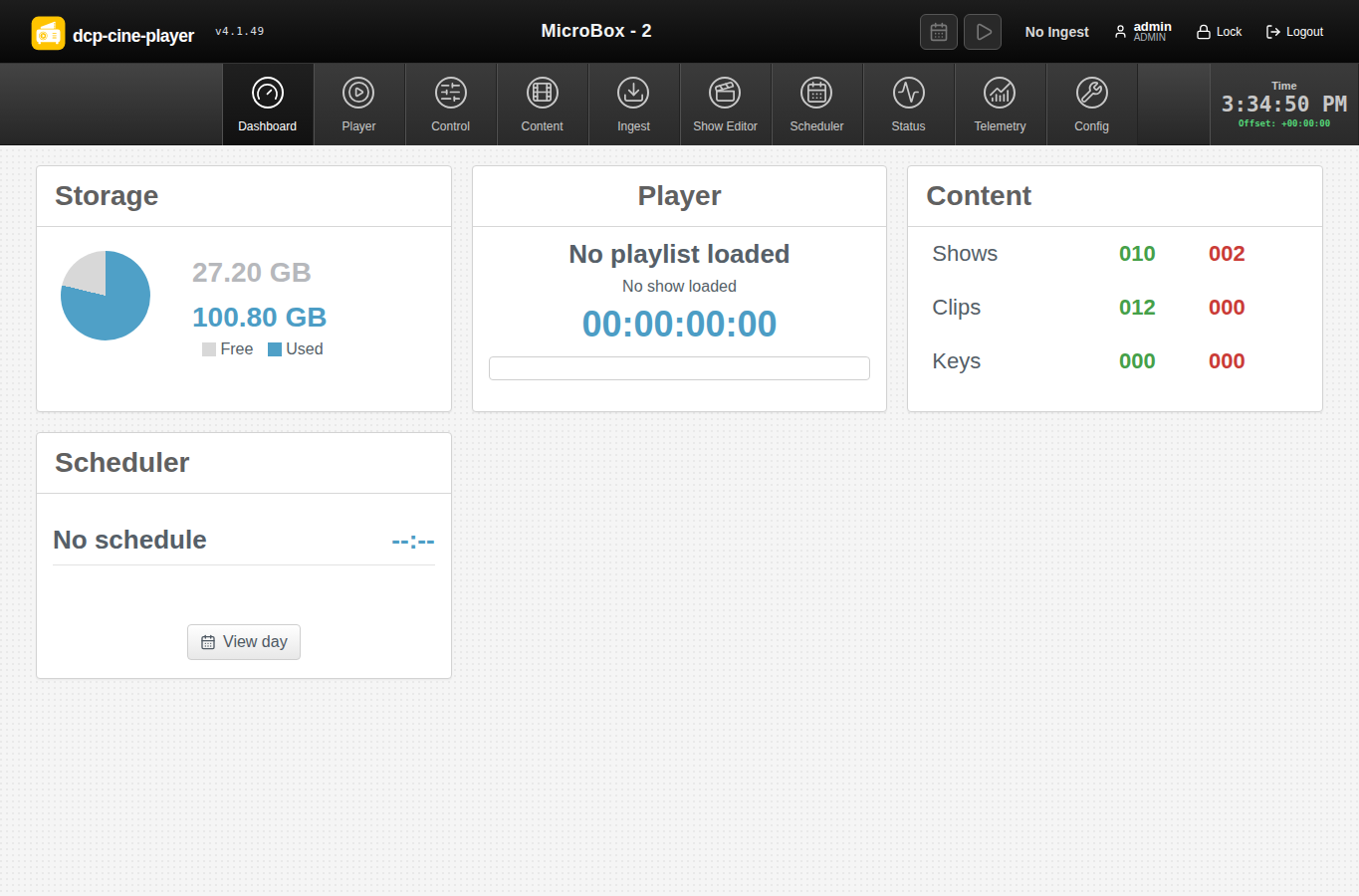
DCP Cine Player brings content preparation, playback, scheduling and automation into one browser-controlled system. It is designed for cinema exhibition, post-production and QC, museums and galleries, screening rooms, education, and other automated content playback environments.
The player combines operational playback, content preparation and theatre integration in one inspectable system, with clear safety boundaries around calibration, scheduling and device changes.
New media workflows
IMF, EAR-Tech and approved displays
Unencrypted IMF
Ingest compositions, resolve referenced MXF tracks and play supported IMF through the FFmpeg path. Graphical type markers keep DCP, IMF, EAR and ordinary media distinct.
Explore IMF playbackEAR-Tech
Protect MOV, MP4, M4V and MKV media at rest using chunk-authenticated AES-256-GCM, without transcoding or writing a clear temporary playback file.
Explore encrypted mediaD-Cine Display Lock
Approve several displays for one player, apply the protection level requested by a KDM and review enrollment history. DDL3 remains subject to hardware qualification.
Explore Display Lock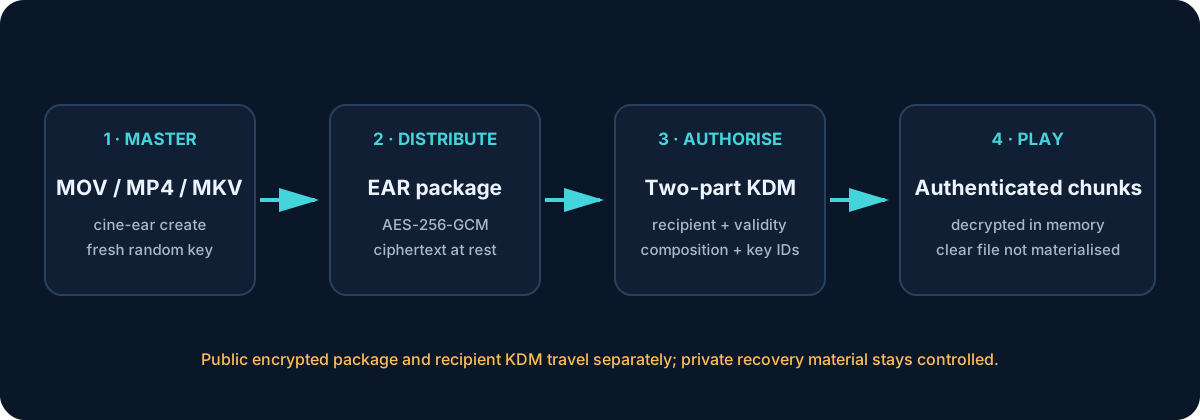
Production feature set
One player, from ingest to screen
Explore the complete feature catalogue, including supported paths and qualification limits.
Playback & media
DCP, unencrypted IMF, EAR-Tech and ordinary media in a shared playback workflow.
DCP playback
AvailableSMPTE and Interop discovery, CPL selection, JPEG 2000 picture, multichannel sound, timed text and KDM preflight.
IMF compositions
See limitsAssetMap and CPL discovery with FFmpeg playback of supported unencrypted IMF compositions. Encrypted IMF is rejected pending qualified key delivery.
EAR-Tech
See limitsAuthenticated AES-256-GCM encrypted-at-rest media, bound package metadata and two-component KDM authorization. Playback reads decrypted chunks in memory, without a clear temporary media file.
Ordinary media
AvailableFFmpeg-backed MOV, MP4, M4V, MKV and other supported containers for trailers, advertisements and event material.
Audio matrix & calibration
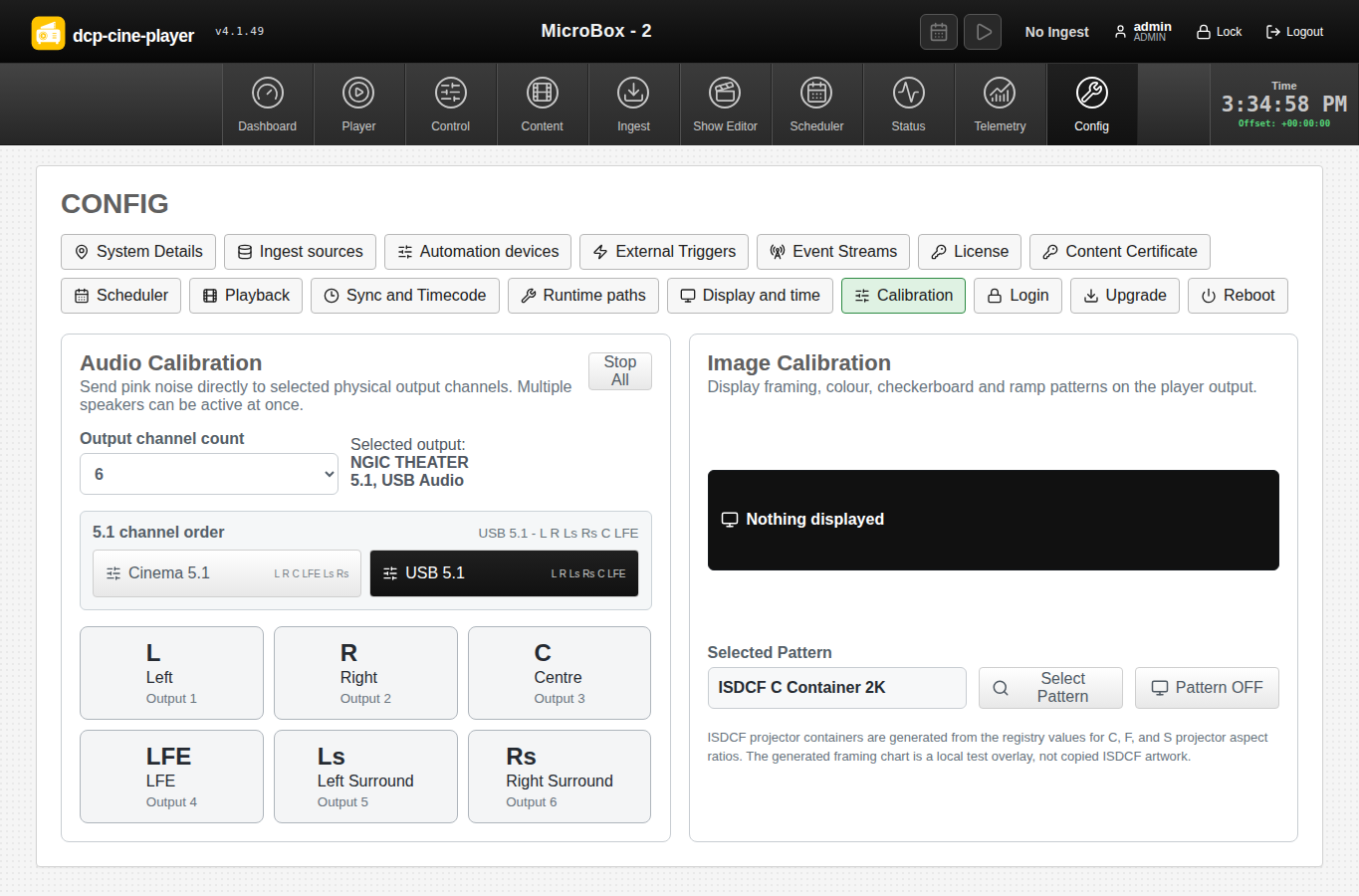
AvailableNamed profiles, per-route gain, live preview, meters, cinema channel-order presets, speaker identification and picture test patterns.
Picture, SDI & HUD
See limitsSource/output telemetry, SDR DCP SDI colour profiles, supported 8/10/12-bit formats, native/fit/fill image handling and embedded or local audio. SDI is for unencrypted playback; protected DCP/EAR uses the protected display path.
Interface highlights
Designed for repeated cinema operation
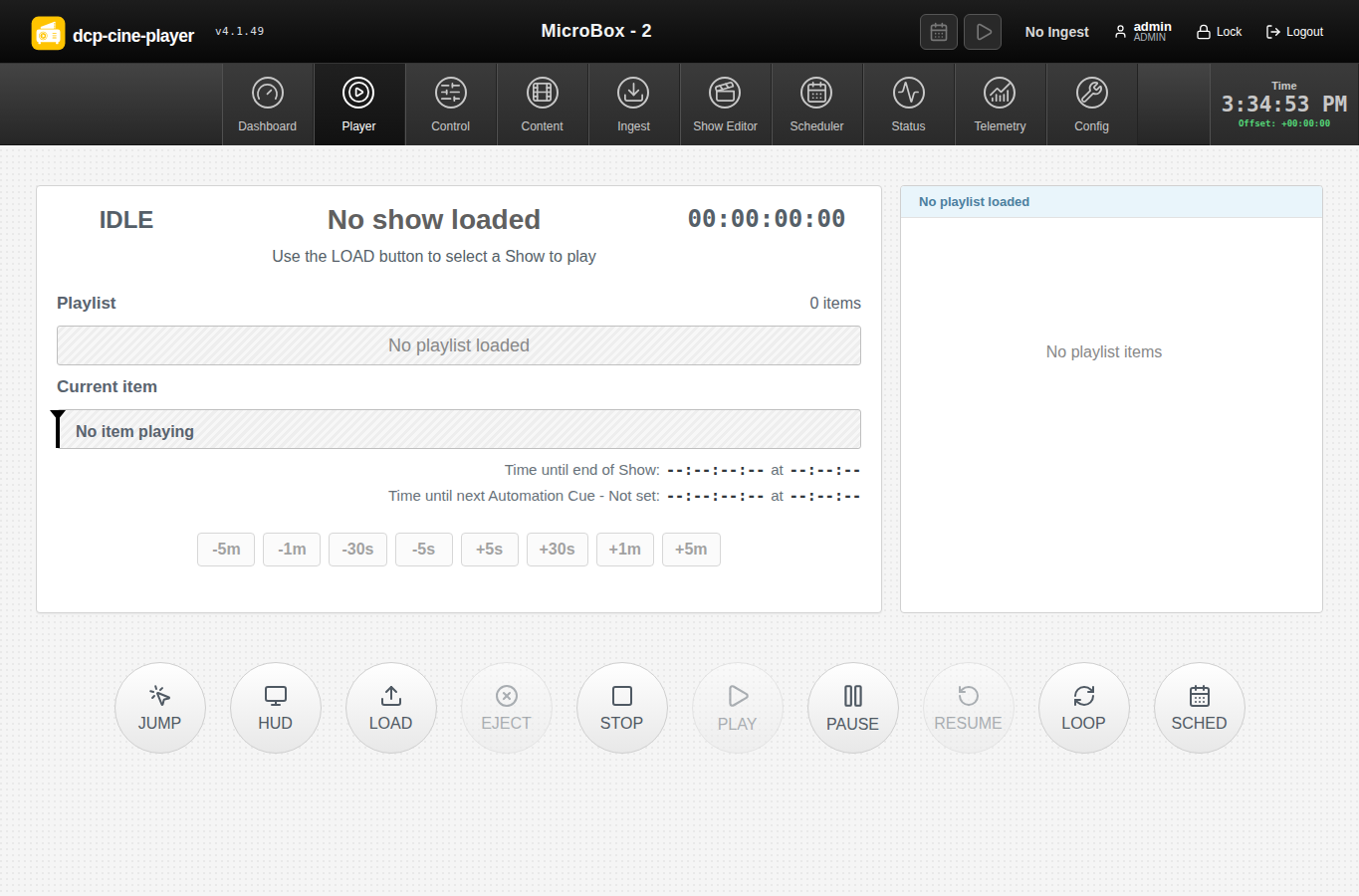
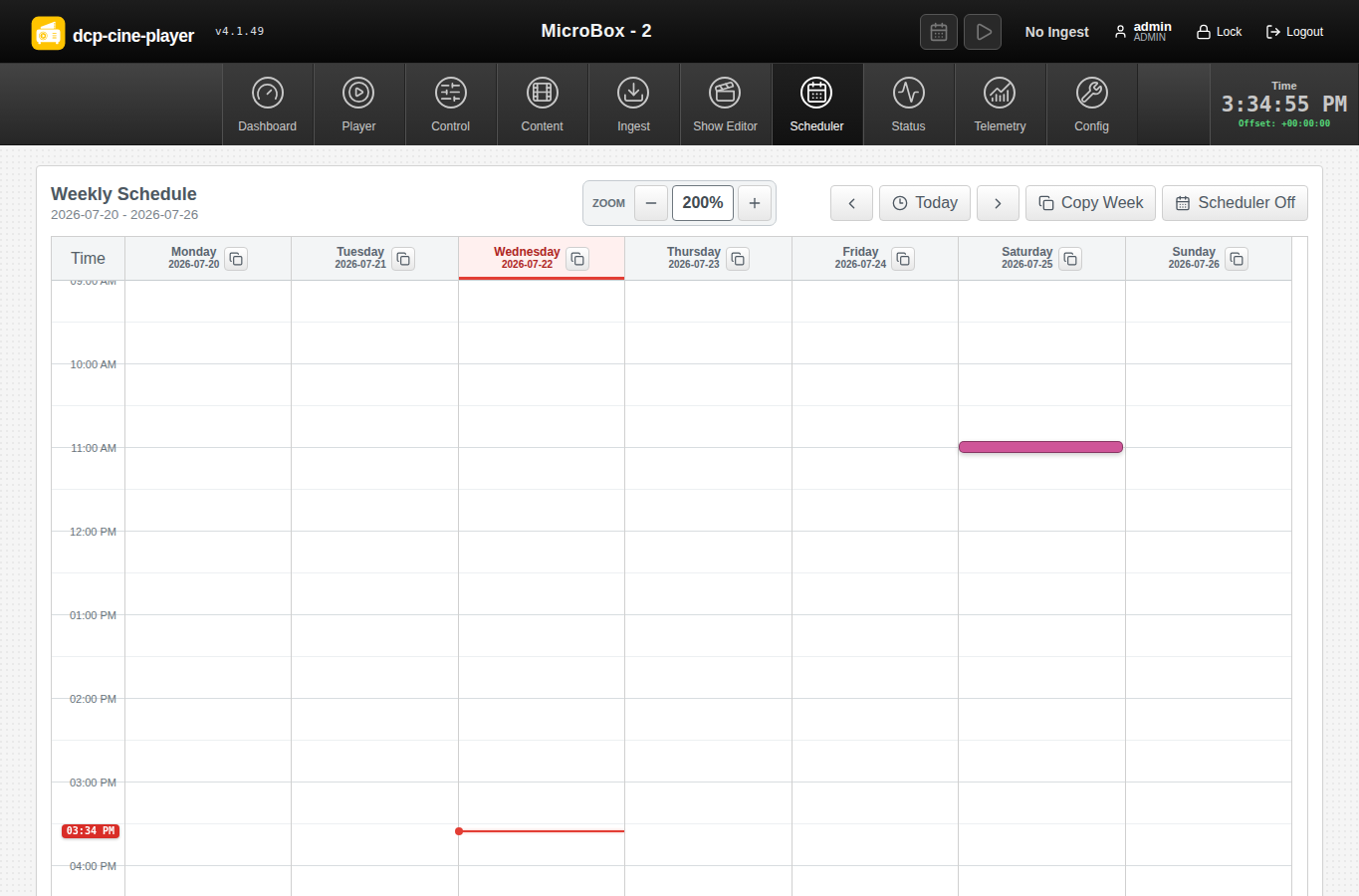
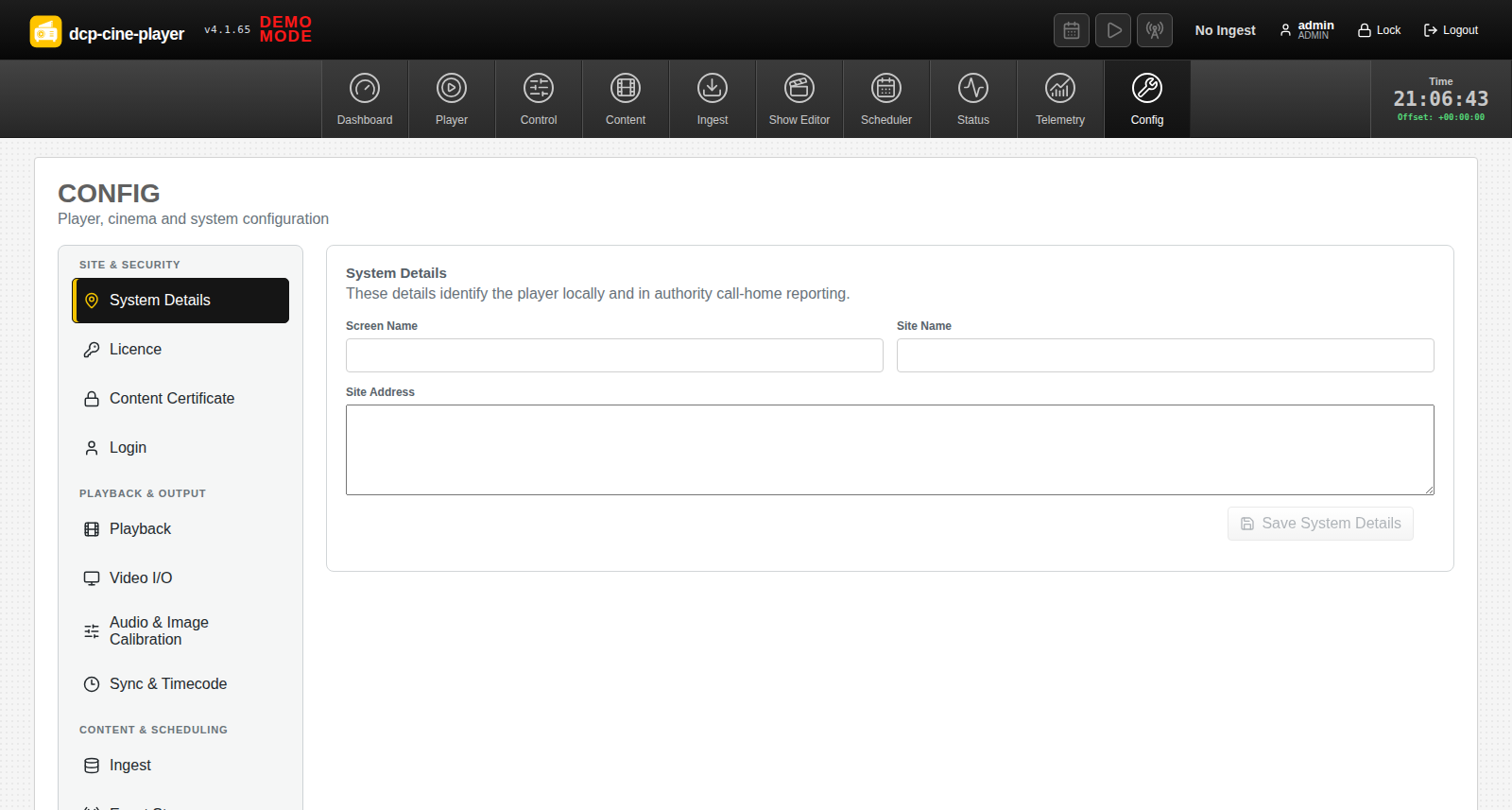
Clear status, dense information, direct control and visible operational boundaries.
Help shape the player
We are looking for practical feedback
Tell us what belongs in the product, what does not, and how the interface should fit the way you prepare and present content. Feedback on the visual design, feature set, terminology, control placement and day-to-day workflows is all useful.
Licensing
There is no licence charge today. If DCP Cine Player is widely adopted and requires ongoing active support, the expected licence price is approximately USD $500, no earlier than two years from now. This is a future estimate, not a current charge.
Registered accounts can currently create free two-year licences for up to five players, including use of the integrated Kakadu JPEG 2000 decoding engine.
Create a FREE licenceJPEG 2000 technology partner
Kakadu Software
DCP Cine Player integrates the Kakadu SDK for its high-performance JPEG 2000 decoding path. Kakadu provides a complete JPEG 2000 software toolkit used for professional image and motion workflows.
Download and install
Ubuntu 26.04 Desktop, amd64
Appliance installation warning
- Start with a clean Ubuntu 26.04 Desktop installation on dedicated hardware.
- Appliance mode creates the
dcpplayeruser and configures supported display-manager autologin. - After reboot, the player starts automatically and takes over the machine as a cinema appliance.
- Choose Workstation mode for every non-dedicated computer.
Workstation
Default. Installs the player application without changing the computer login or desktop behaviour.
Appliance
For a fresh, dedicated player only. It creates a player account, enables automatic login and starts the player as the machine interface.
curl -fL -o dcp-cine-player_4.2.13_amd64.deb \
  https://authority.d-cine.net:38443/dcp-cine-player-releases/dcp-cine-player_4.2.13_amd64.deb &&
curl -fL -o dcp-cine-player_4.2.13_amd64.deb.sha256 \
  https://authority.d-cine.net:38443/dcp-cine-player-releases/dcp-cine-player_4.2.13_amd64.deb.sha256 &&
sha256sum -c dcp-cine-player_4.2.13_amd64.deb.sha256 &&
sudo apt install ./dcp-cine-player_4.2.13_amd64.deb
# After successful installation in Appliance mode, reboot:
# sudo reboot
Package integrity: Download the published SHA-256 checksum. The player's signed update workflow also verifies release signatures.
Manual: the installer places the illustrated guide in ~/Documents/D-Cine Player/Documentation. Read the installation and upgrade guide before
commissioning.
Workstation: no appliance account, autologin, service autostart, suspend policy or screen-lock policy is changed.
Appliance: runtime settings are stored in /etc/dcp-cine-player/player.env. The web interface is available on port 8080 after startup.
Updates: package and online upgrades preserve the selected installation mode.
Deployment boundaries
Supported paths and qualification
Review the security overview and operating manual before working with protected content.
- Encrypted IMF is detected and rejected until compatible key delivery is configured and qualified.
- EAR-Tech version 0 requires qualification against each external KDM manager and operational environment before production use.
- DDL3 hardware qualification is in progress. No GPU is currently advertised as production-qualified; the signed driver installer remains gated to qualified hardware.
- EAR-Tech is not a DCP or a claim of DCI/FIPS validation. Player security controls do not, by themselves, establish MPA/TPN assessment or conformance.
- Protected DCP/EAR playback requires the appropriate protected display path. SDI output is for unencrypted playback.

