


Player 4.2.32 · release · Manual updated 31 October 2026
EAR‑Tech user and security guide
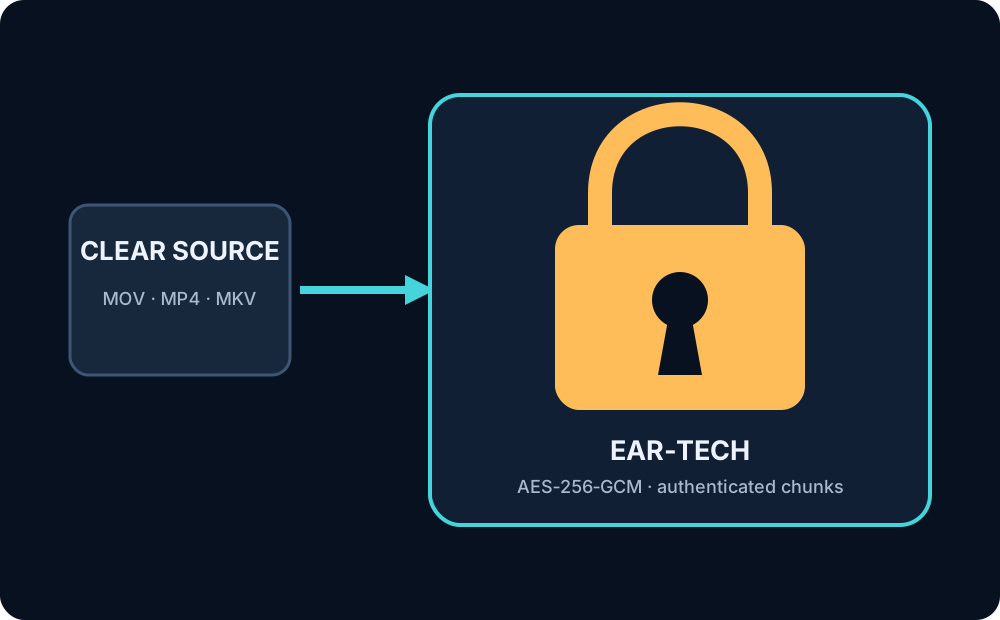
EAR‑Tech means D‑Cine Encrypted At Rest technology: a private AES‑256‑GCM package for protecting supported ordinary media on storage and during delivery.
Why EAR‑Tech exists
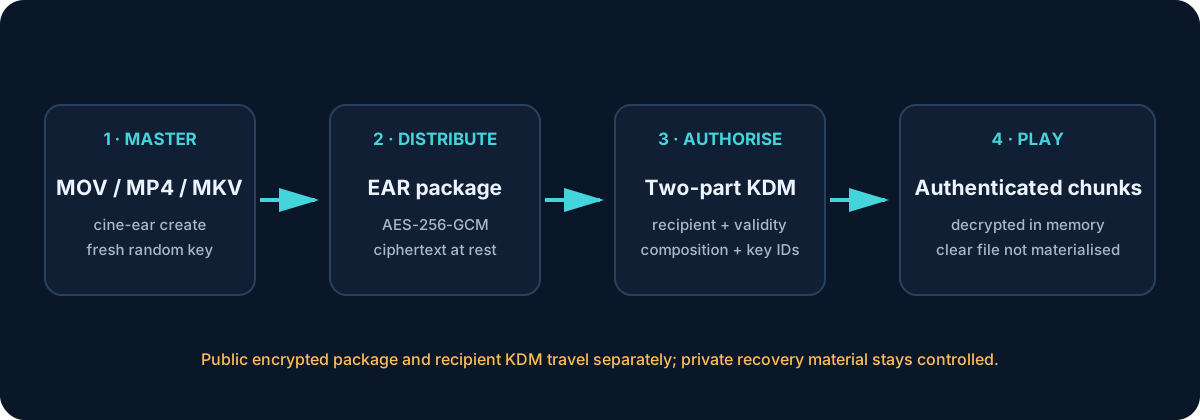
Marketing, trailer and alternative content frequently arrives outside a DCP. EAR‑Tech lets an authorised mastering operator encrypt MOV, MP4, M4V or MKV media without transcoding, distribute ciphertext, and issue time-limited access through a two-component cinema KDM workflow.
The feature is designed to support 256-bit encryption-at-rest controls in an organisation working toward applicable MPA Content Security Best Practices assessed through TPN. It is one technical control, not a whole security programme or an assessment result.
Security construction
- A fresh 256-bit AES media key is produced as two independent 128-bit components.
- AES‑256‑GCM encrypts and authenticates the private manifest and each media chunk.
- Header, descriptor, IDs, length and hashes are validated and bound.
- Both matching KDM components and a valid time window are required.
- Playback authenticates random-access chunks and supplies plaintext in memory.
- Normal playback does not create a clear temporary copy of the whole source.
Create a package
cine-ear create MyAd.mov \
  --output MyAd_EAR \
  --title "My Advertisement" \
  --content-type ADV
The output root separates package/, private/ and key-delivery/. Distribute only the public package and only the recipient-specific KDM material required by the approved workflow. Keep private recovery/mastering material offline or in an access-controlled key system.
Inspect and verify
cine-ear inspect package/ASSET_UUID.ear
cine-ear verify --key-a HEX --key-b HEX package/ASSET_UUID.ear
The public package uses ASSETMAP_EAR.xml and VOLINDEX_EAR.xml so ordinary DCP scanners do not mistake EAR‑Tech content for a DCP. Packages created by earlier versions with legacy ASSETMAP and VOLINDEX names remain supported by D‑Cine Player.
Never place clear keys in shared terminal history, tickets or logs. The direct verify command is intended for controlled mastering/diagnostic use.
Ingest and play
- Copy the public EAR package to an approved ingest source.
- Ingest it from Content like other media.
- Confirm it is identified as encrypted EAR content and passes descriptor/hash checks.
- Import the matching KDM addressed to the player.
- Check the validity window covers the complete show.
- Run preflight and confirm the protected output path where required.
- Play and retain the operational evidence required by site policy.
Boundaries
EAR‑Tech does not by itself provide TPN conformance, certification, forensic watermarking, FIPS validation, secure deletion, network security, physical access controls or protection against an authorised administrator deliberately extracting content. Address those through the complete facility and application security programme.
Handling checklist
- Generate a new package/key set for every re-encryption.
- Separate encrypted media, DKDM/KDM and recovery material.
- Minimise validity windows and recipient scope.
- Restrict mastering and KDM roles; log issuance and delivery.
- Remove clear source and expired copies under approved retention/deletion procedures.
- Test restore and revocation/incident procedures before real pre-release content.
Written by James Gardiner · Documentation updated 2026-10-31. For more information visit tools.d-cine.net. Check procedures against the installed release and venue policy.

