

KdmGen user manuals
Walk Throughs/Help
From the right player certificate to a delivered KDM. Follow the illustrated steps for each tool, or work through the complete registration and booking process.
Choose your task
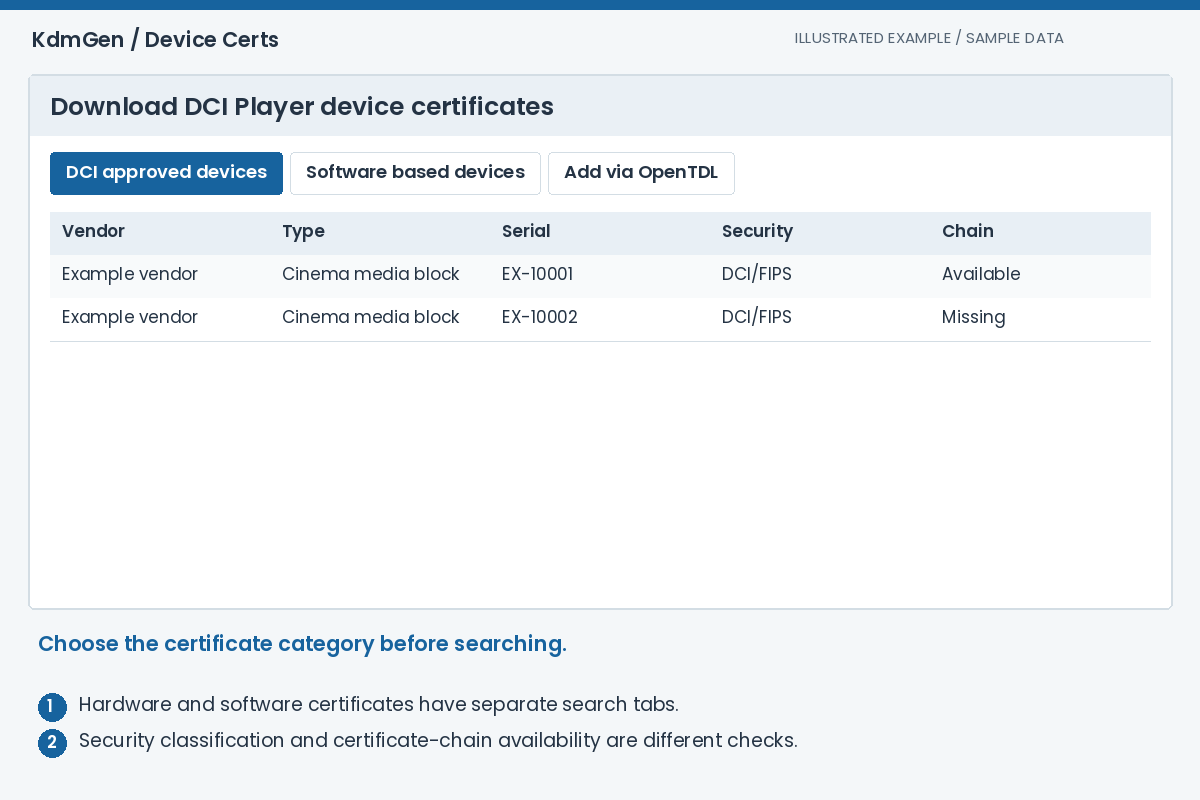
Device Certs
Find the public certificate for the player that will receive a KDM. Search an individual device, collect a cinema's devices through OpenTDL, and organise the results into named sets for download.
Read the walkthrough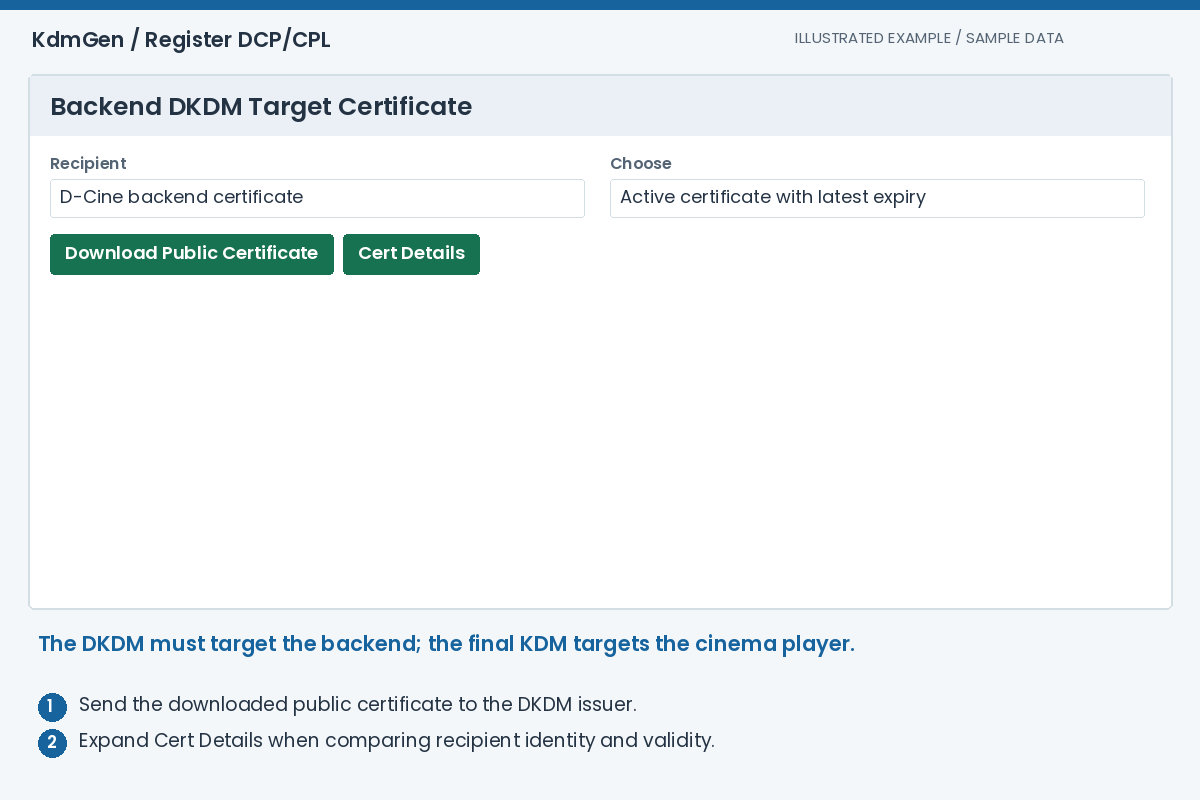
Register DCP/CPL
Registration connects each encrypted composition to a DKDM that this service can use. Start with a complete ingested DCP or an individual CPL, then verify the recipient, composition and validity before importing.
Read the walkthrough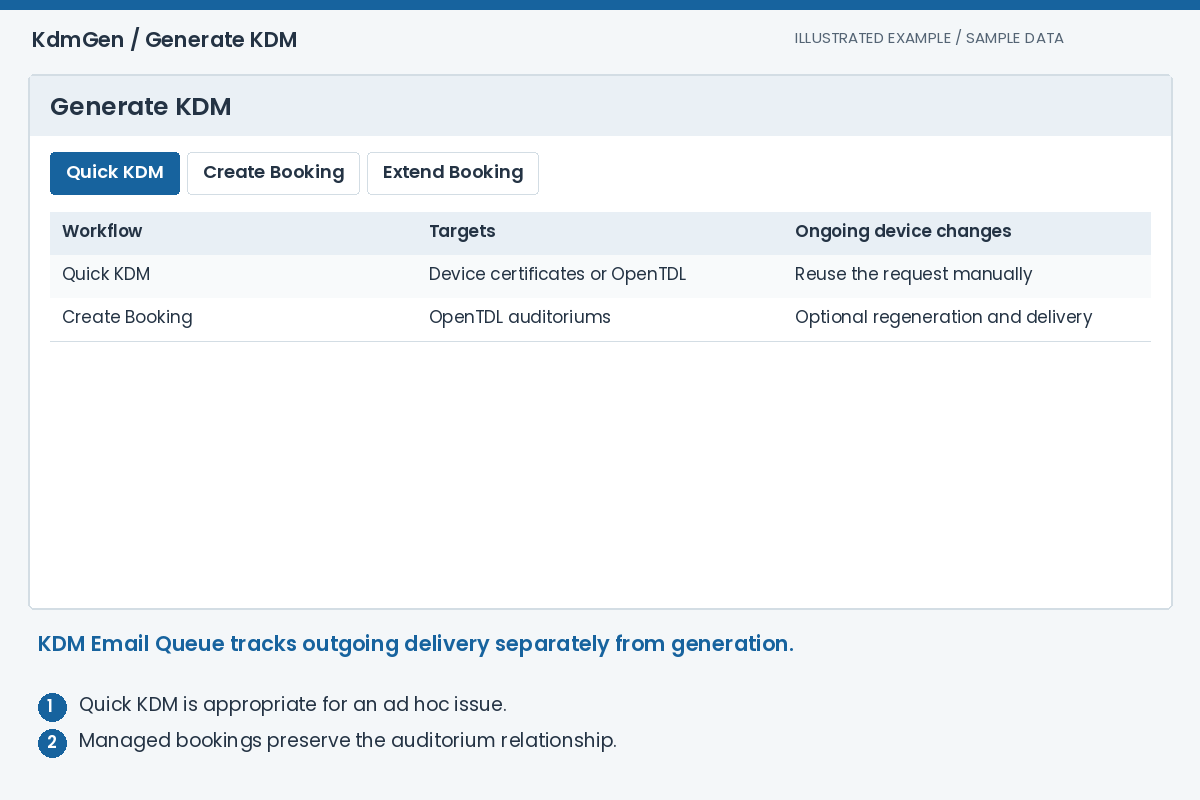
Generate KDM
Choose a one-off request or a managed cinema booking. Both start with registered CPLs and a validity period; managed bookings also keep the OpenTDL auditorium relationship so they can respond to changed devices.
Read the walkthrough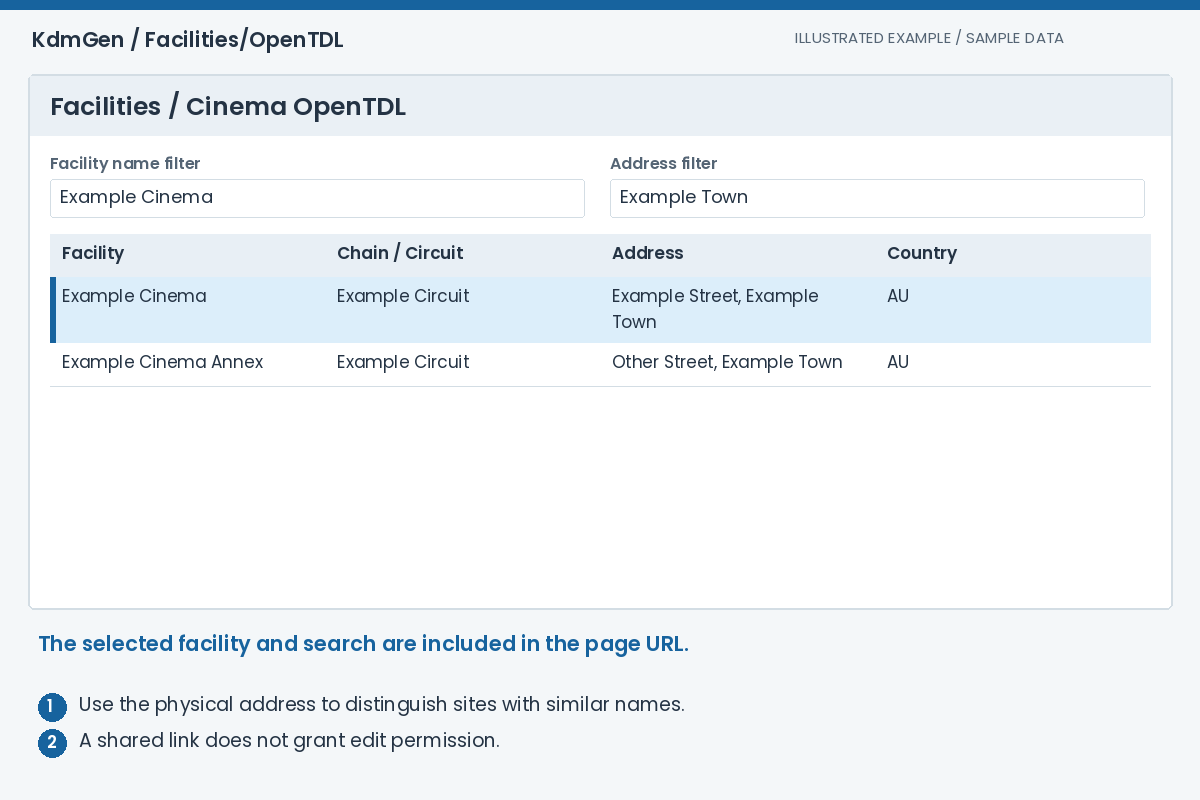
Facilities/OpenTDL
Keep the relationship between a cinema, its screens and its player identities current. OpenTDL data is used to resolve recipient certificates, address KDM delivery and support managed bookings after equipment changes.
Read the walkthroughYour first KDM, from start to finish
- Prepare the recipients
Find player certificates, or check the cinema and screens in OpenTDL.
Device Certs guide - Register the content
Download the backend public certificate, obtain matching DKDMs and register the encrypted CPLs.
Registration guide - Create and deliver
Select CPLs, dates and targets. Validate the setup, generate the KDMs and check delivery.
Generation guide
The terms you will see
- DCP
- Digital Cinema Package: the package of picture, sound and other material used for cinema playback. It can contain more than one composition.
- CPL
- Composition Playlist: identifies one composition and how its assets are played. Its UUID identifies the exact version a DKDM must match.
- DKDM
- A distribution KDM addressed to the backend. It provides the authorised keys and validity from which this service can create recipient-player KDMs.
- KDM
- Key Delivery Message: allows the targeted player to use the keys for a particular encrypted composition during the authorised period.
- Public device certificate
- Identifies the recipient player. It is supplied to the KDM issuer; the player's private key stays with the player.
- OpenTDL / FLM
- OpenTDL connects facilities, auditoriums and devices. An FLM (Facility List Message) represents the facility information in a structured XML message.
- FFMC / FFEC
- First Frame of Moving Credits / First Frame of End Credits. Where present in a CPL, these markers can supply the suggested credits offset in KDM emails.