

Slate Tools user manuals
Walk Throughs/Help
Research a film, compare its release window and prepare a distributor offer. Follow the illustrated guides through the tools available today.
Choose your task
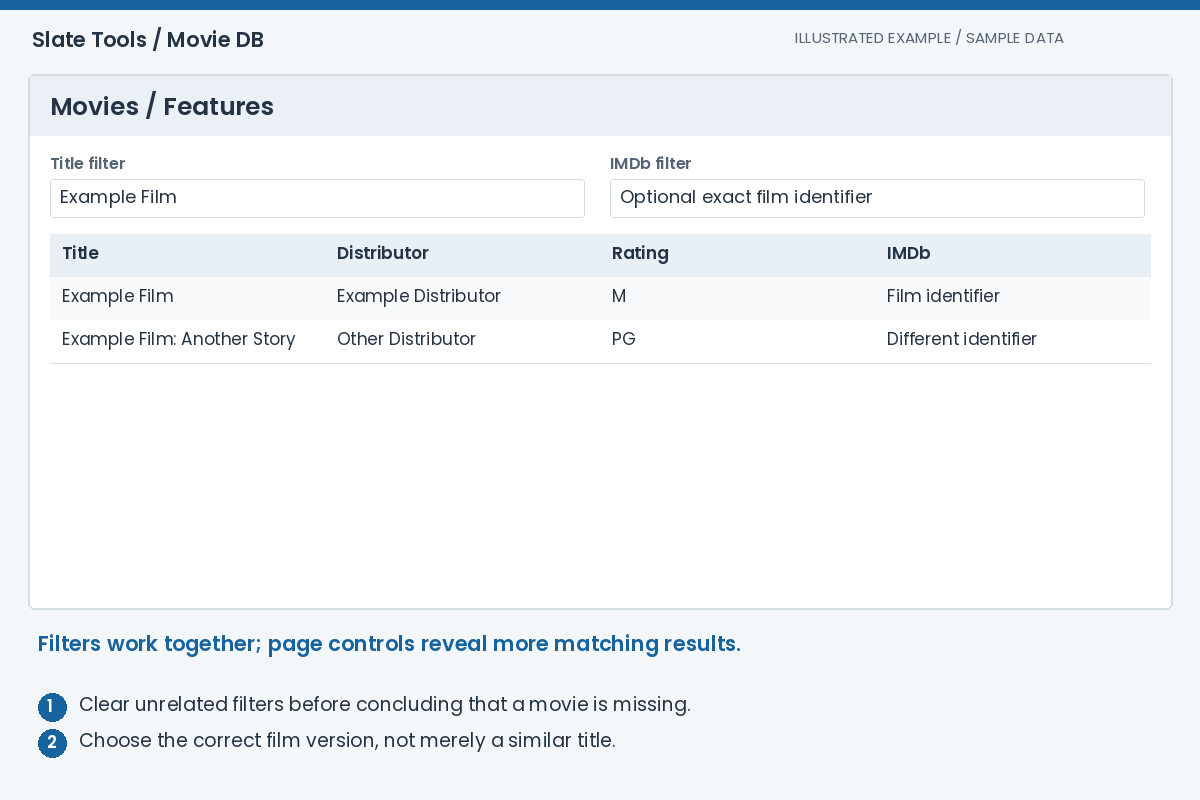
Movie DB
Find a film, compare the available source information and collect useful material for programming discussions. Keep release dates, classifications and audience scores separate: each answers a different question.
Read the walkthrough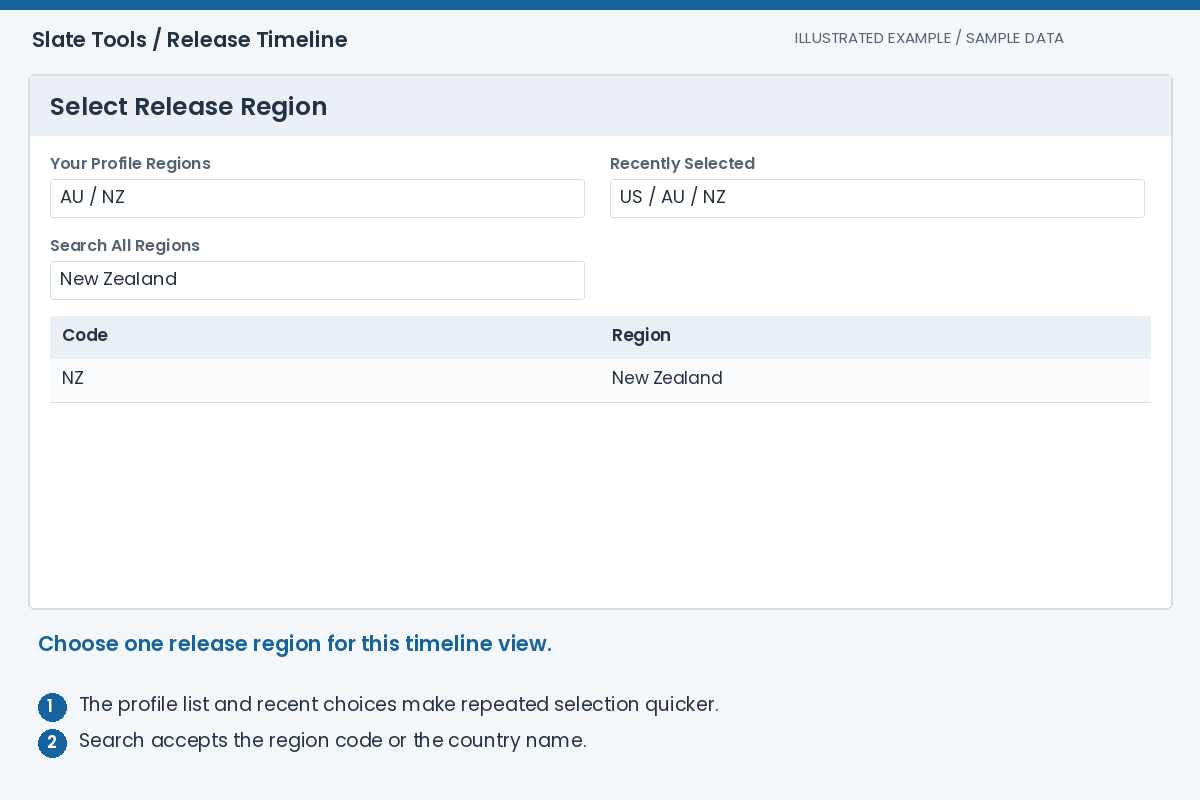
Release Timeline
Survey upcoming releases for a region, narrow the slate and inspect individual films. Turn selected films into facility booking entries when you are ready to work on an offer.
Read the walkthrough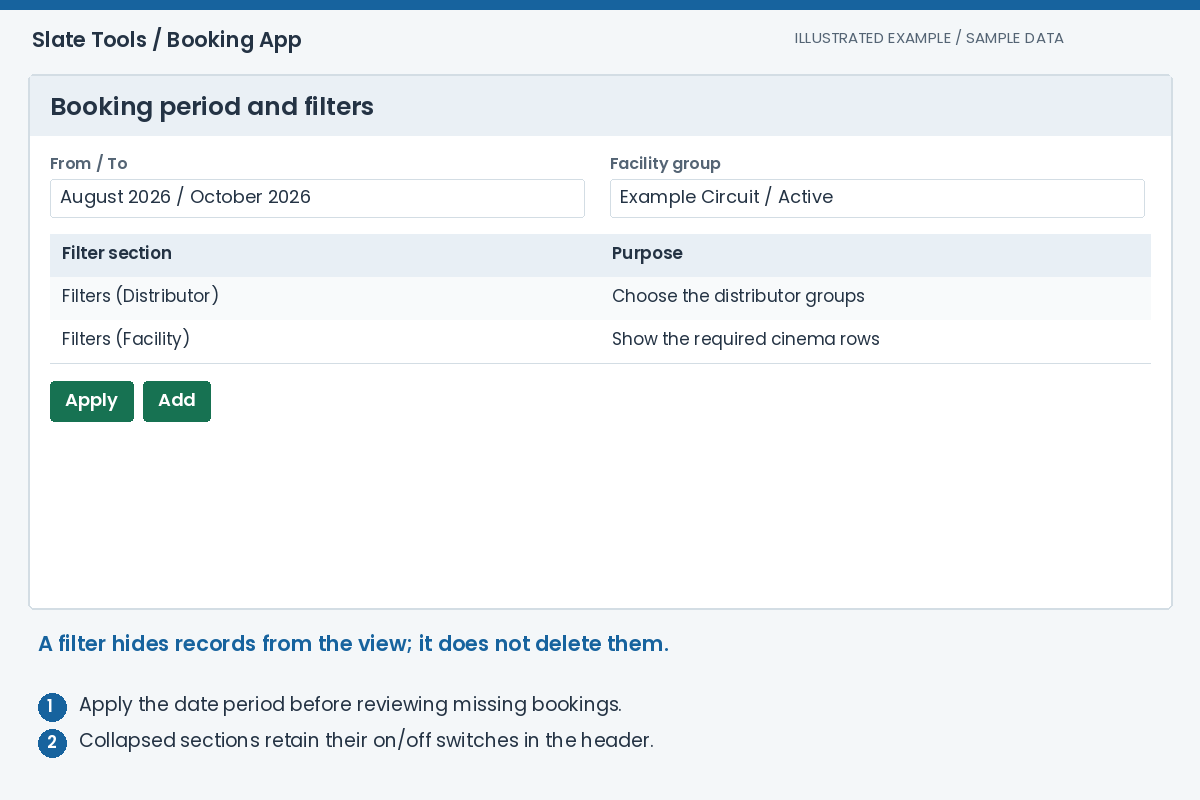
Booking App
Work from film bookings to a distributor offer. Compare each cinema's commitments, prepare the film and facility terms, then review the exact offer content and recipients before sending.
Read the walkthrough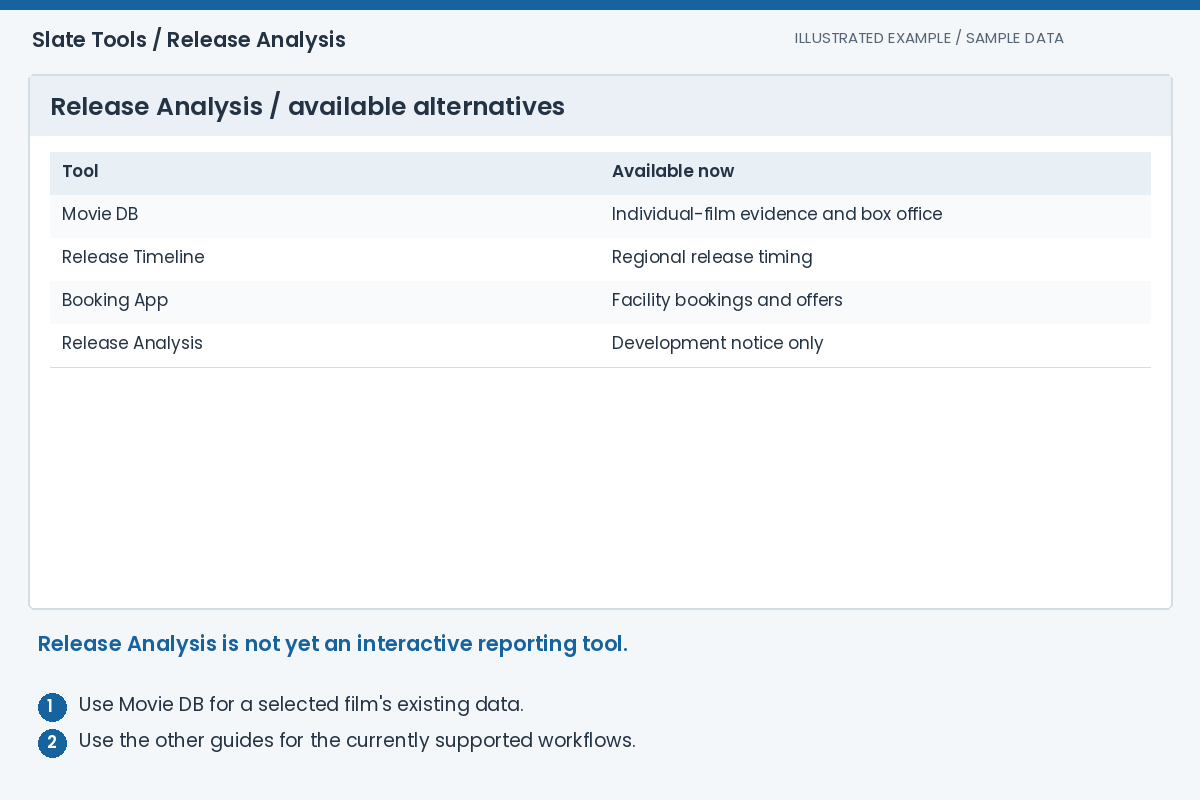
Release Analysis
Release Analysis currently displays a development notice, not an operational analytics workspace. Use the existing research and planning tools while this section is being developed.
Read the current statusFrom release research to an offer
- Research the film
Check its identity, regional dates, classifications, scores and available artwork.
Movie DB guide - Choose the opening window
Select a release region and period, narrow the slate and create facility booking entries.
Release Timeline guide - Prepare the offer
Review each cinema's dates and terms, preview the email and follow the negotiation history.
Booking App guide
Important distinctions
- Release region
- The territory whose release dates you are viewing. It does not convert the AU distributor or AU classification into that region's metadata.
- Classification and score
- A classification describes content suitability in a region. A source score measures a provider's audience or critic response; it is not a classification.
- TN and NZFC
- Short source labels for The Numbers and the New Zealand release source. Compare source and release type as well as the date.
- MG, policy and terms
- Minimum guarantee, the recorded commitment policy and the proposed commercial terms for each facility. Enter the actual proposal, not the guide's sample values.
- Offer and acceptance
- A sent offer records a proposal being sent. It does not itself prove agreement, film delivery or readiness for playback.
- Slate booking and KDM booking
- Slate Tools manages film programming and offers. KdmGen separately manages key-generation requests and the bookings that follow device changes.