


Quick operator guide
From an audio file
to a playing room.
Use Standalone for the first setup. Add seasonal dates, equipment cues or additional players after the basic audio path is working.
Open the player
Install the official signed APK on the Android TV box and launch Non-Sync Player. Note the browser address shown at the bottom of the TV.
Connect from a browser
Visit
http://PLAYER_IP:8888/from the same reachable local network. Initial login: admin / music. Change the password under Settings; custom passwords survive upgrades.Upload the audio
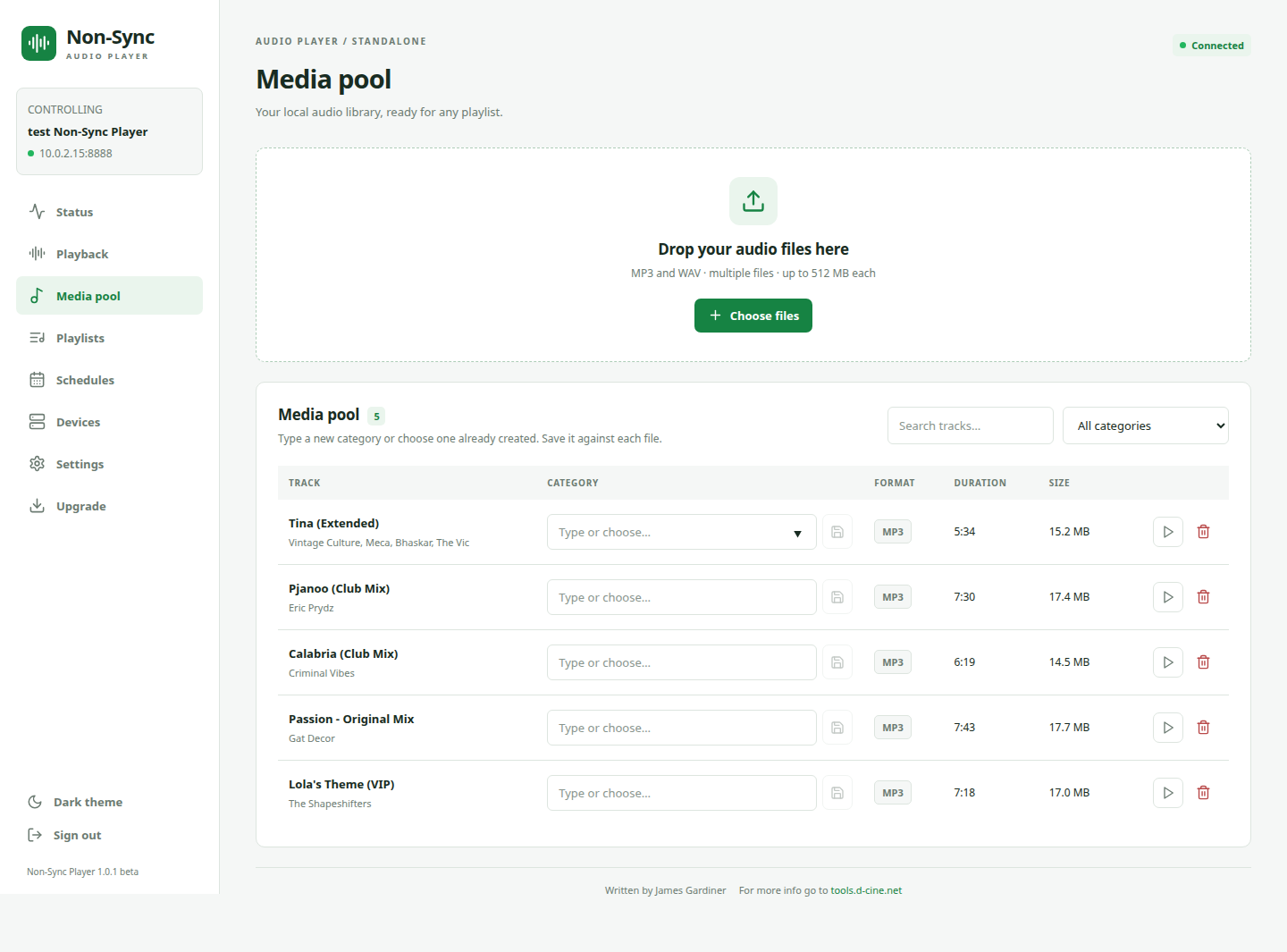
Open Media pool. Drag MP3/WAV files into the upload area, or select Choose files. Wait for the results. Type or select categories, then save each assignment.
Make a playlist
Open Playlists → New playlist. Name it, add audio, arrange the order and choose whether it repeats. Save the list.
Start and listen
On Playback, select the list with Load playlist. Confirm sound through the TV box's actual output and amplifier. Browser preview audio comes from the browsing device instead.
Make it the default
In Settings, select the Startup playlist, enable Start player after reboot and save. Complete the Android appliance setup and test a restart.
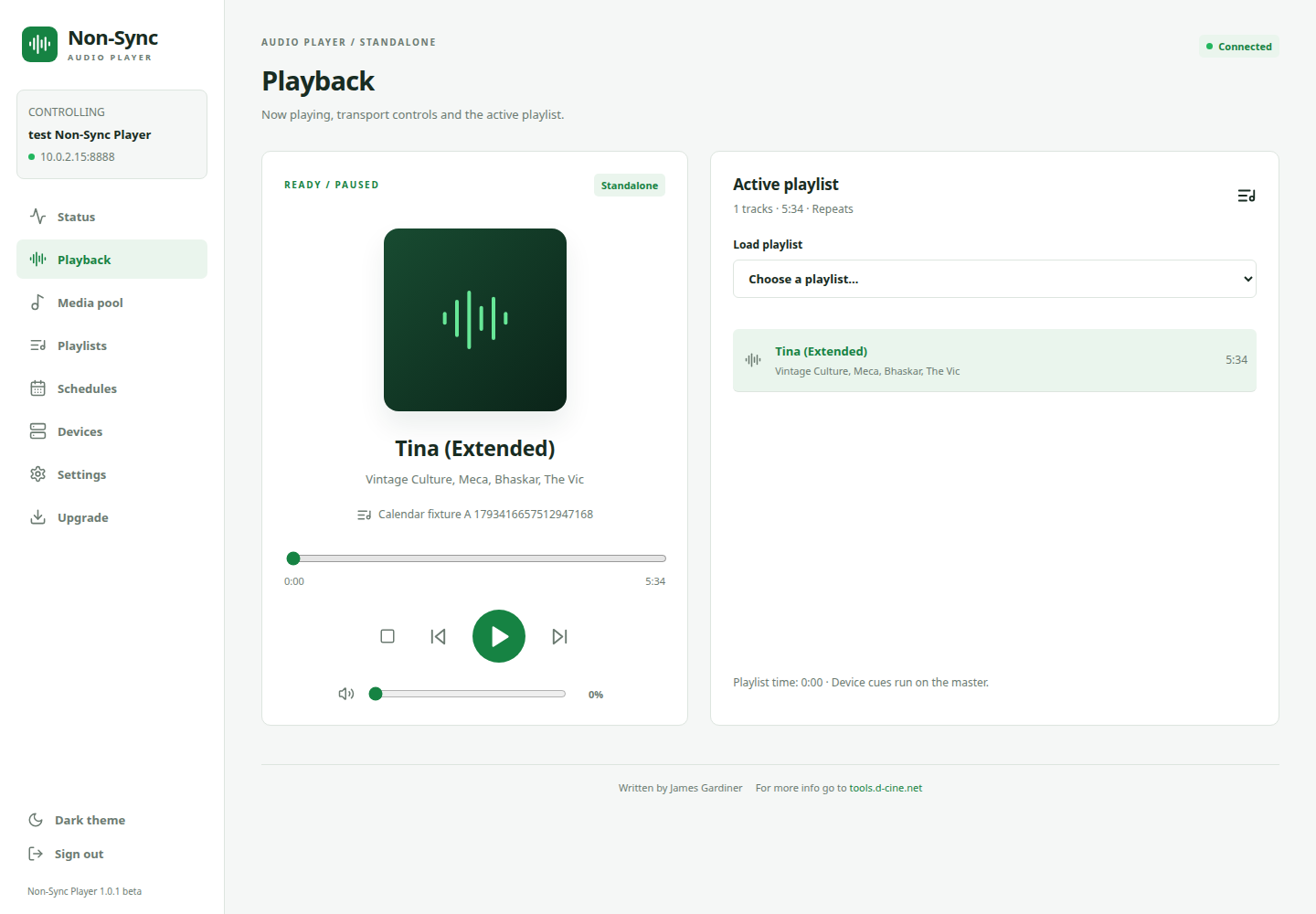
Correct playlist, Playing state, sensible volume, audible output and no unintended calendar override. Use Status for storage, network state and recent activity.
Everyday controls
Know what each change does.
| Action | Result |
|---|---|
| Load playlist | Starts that list from the beginning. |
| Pause / Play | Holds and resumes the active audio. |
| Save an active playlist | Stops it; load again or Follow calendar after editing. |
| Manual transport during a schedule | Temporarily overrides the calendar until the next date or winning selection change. |
| Follow calendar | Immediately returns to the current calendar/default selection. |
| Restart player app | Restarts the application and applies its startup/calendar selection, provided Android relaunch access is configured. |
Ready for the next part?
Follow the complete manual for seasonal scheduling, automation and multiple players.