



Build a session-time board
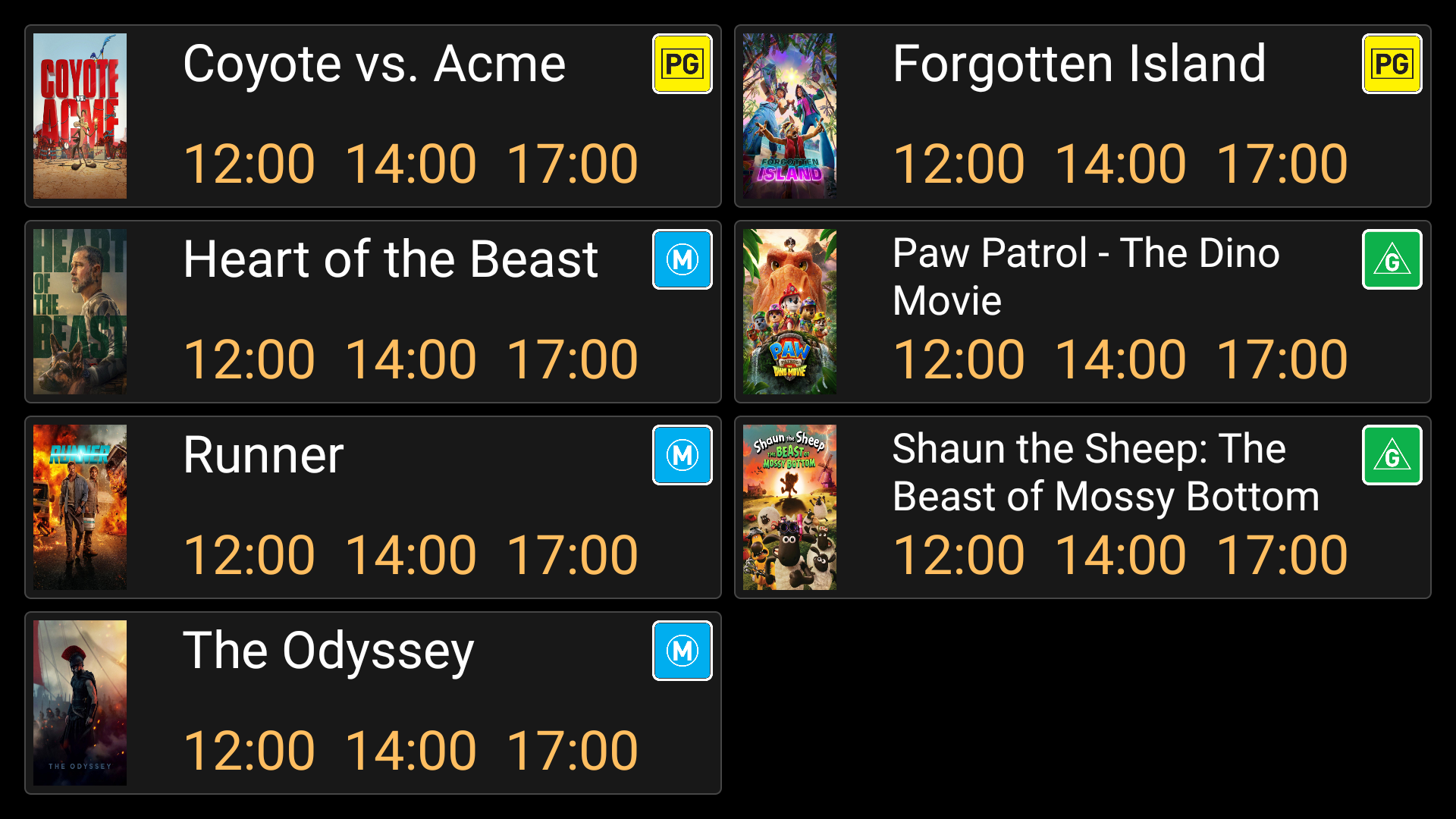
Session Times shows today's remaining screenings in a board. It is useful at the box office or foyer entrance. The built-in board uses film posters and classifications beside the times.
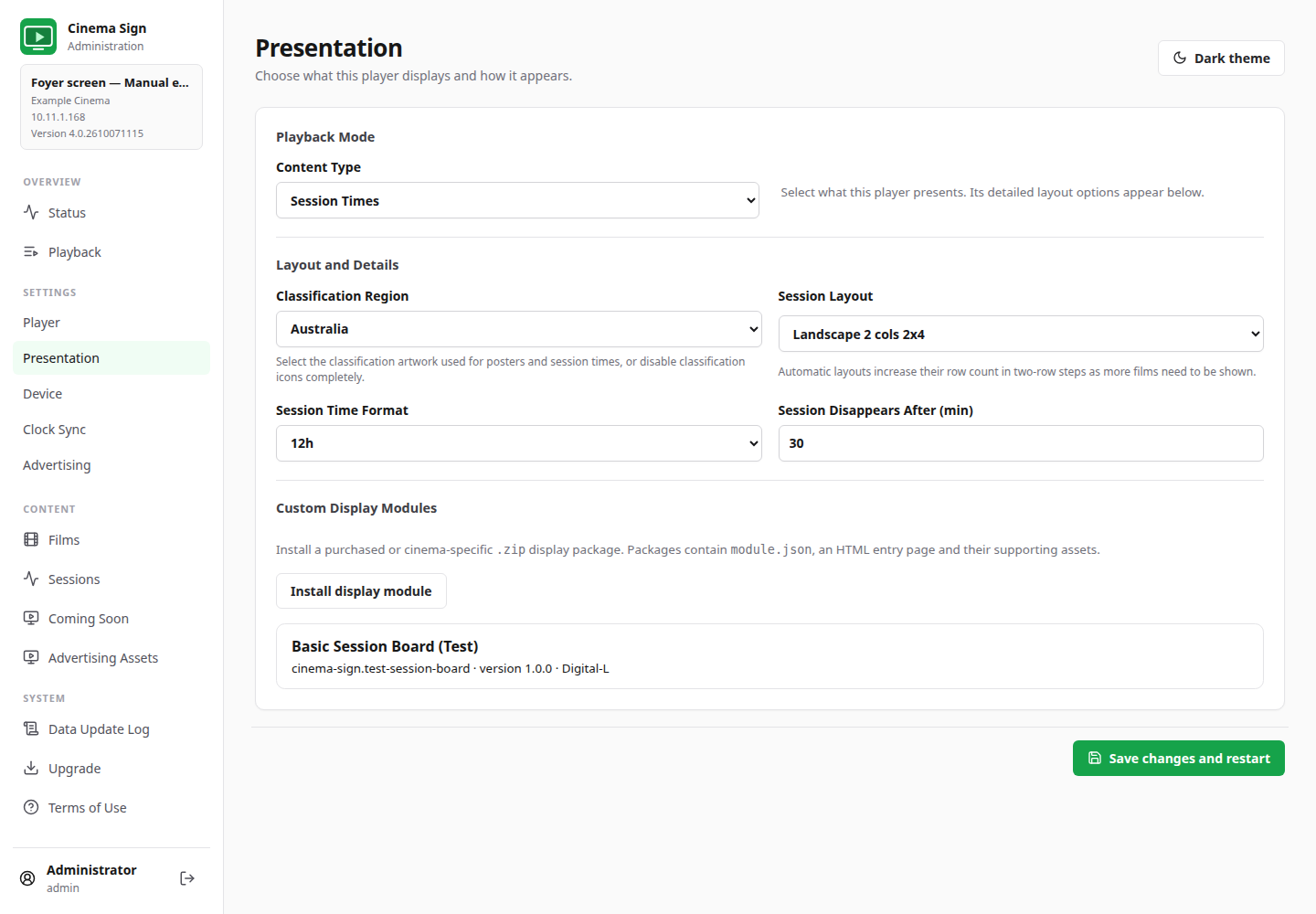
Settings → Presentation → Content Type → Session Times
- Check today's sessions and the player's date/time.
- Make sure the films have cached posters. The built-in board needs them for its rows.
- Check the active selection formula: films excluded by it will not appear on the board.
- Select Session Times as the Content Type.
- Choose a Session Layout, classification region and time format.
- Set Session Disappears After (min), save and check the screen from the customer's viewing position.
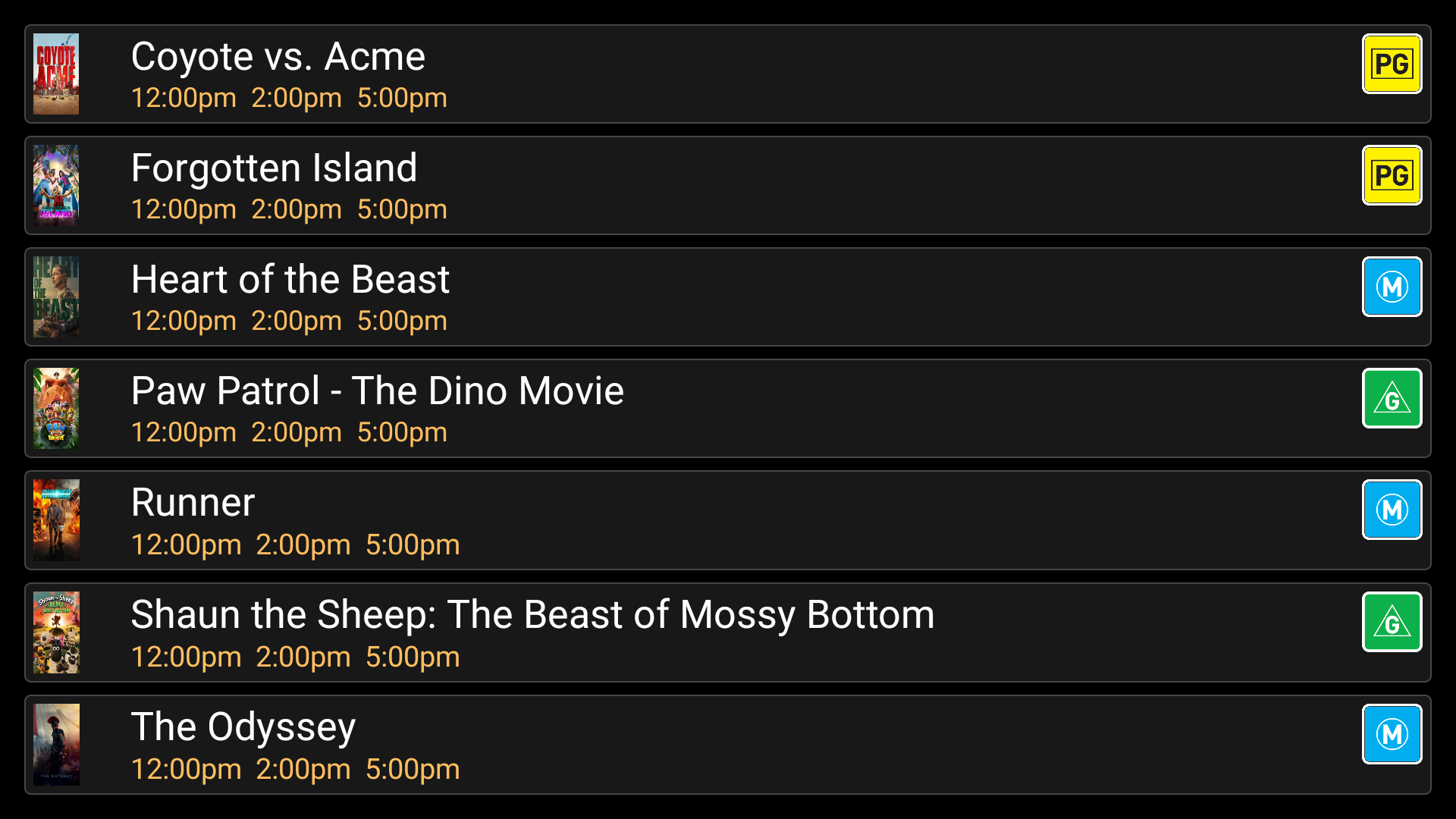
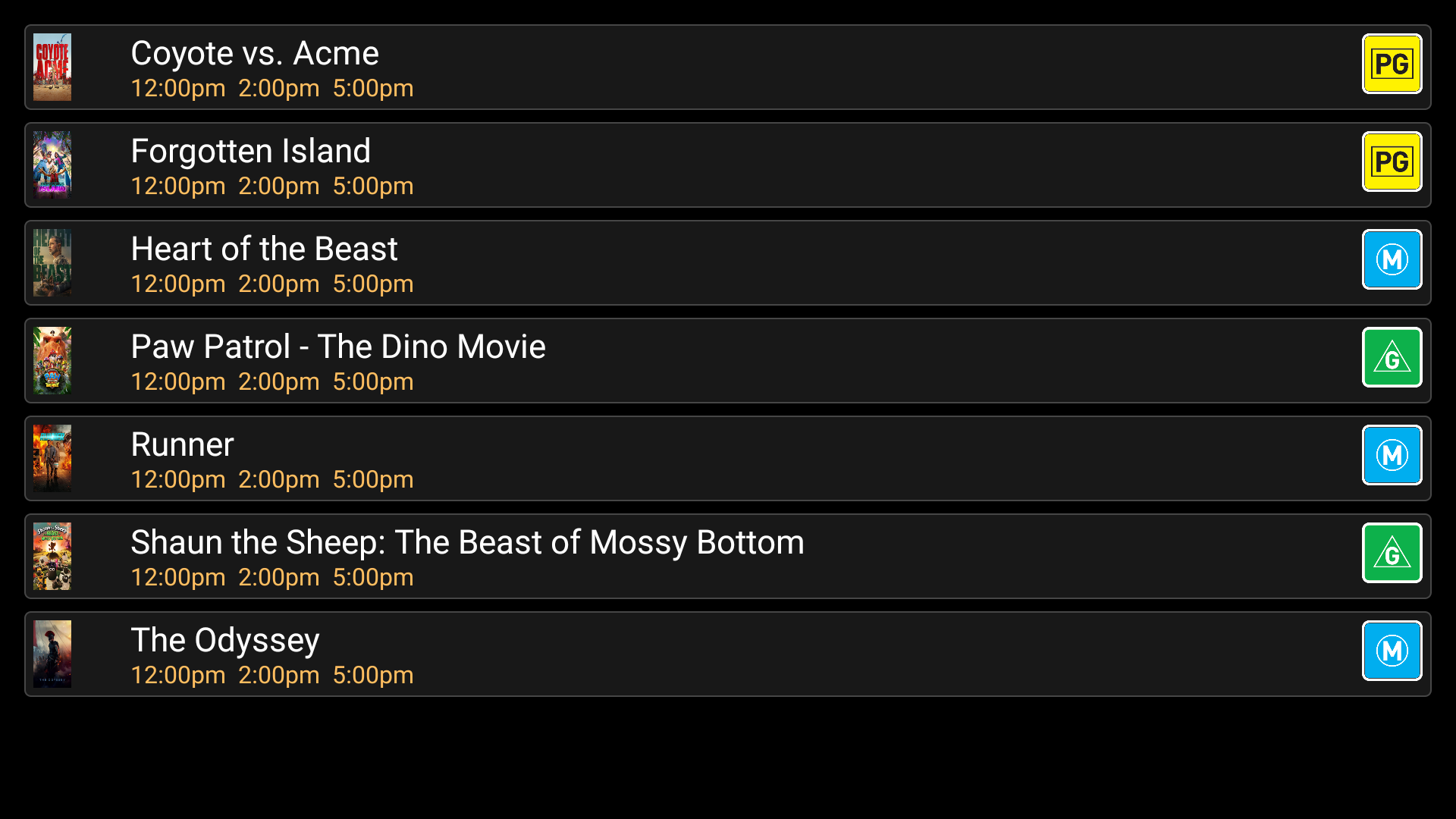
Single-column horizontal boards
Two-column horizontal boards
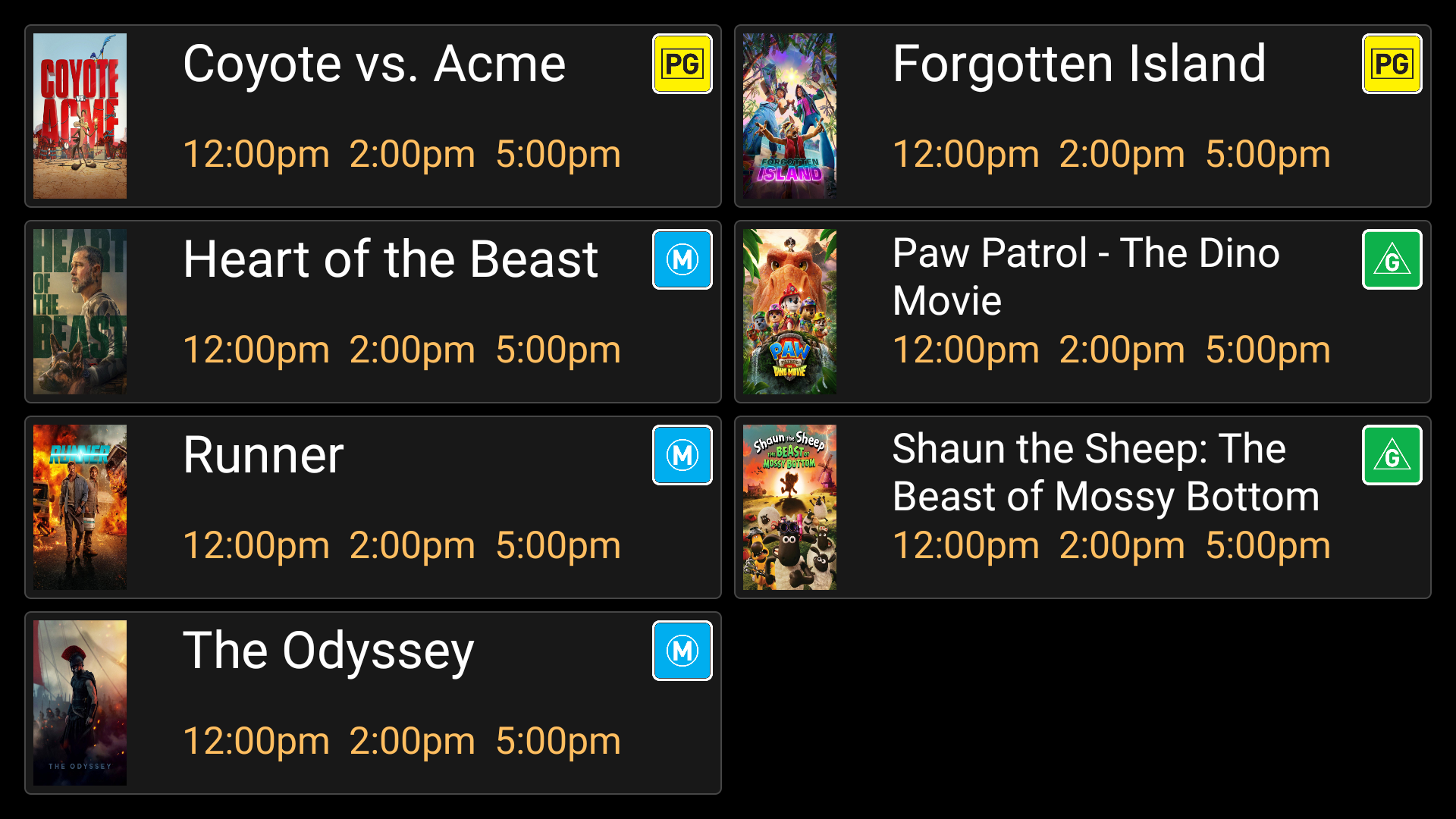
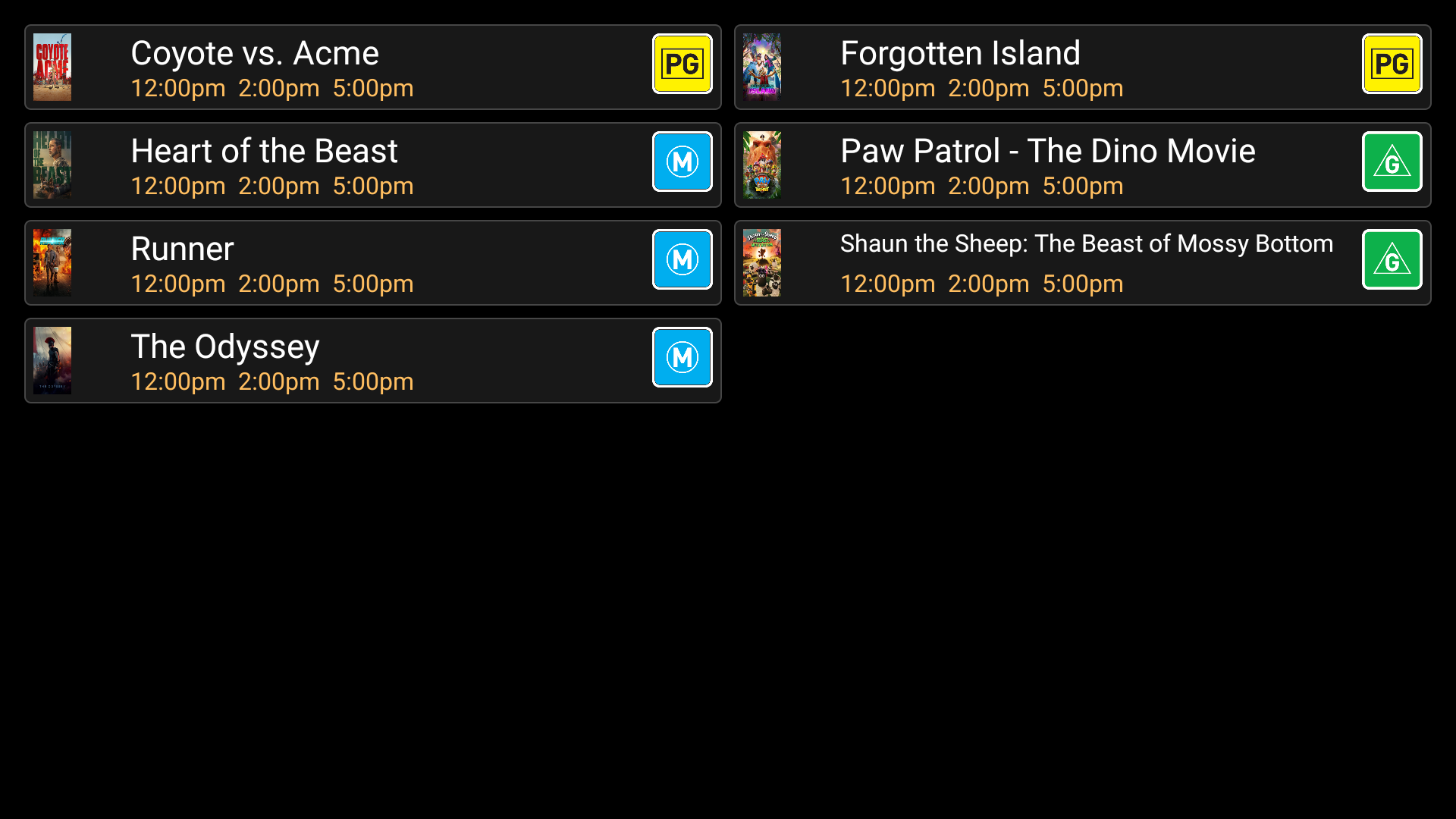
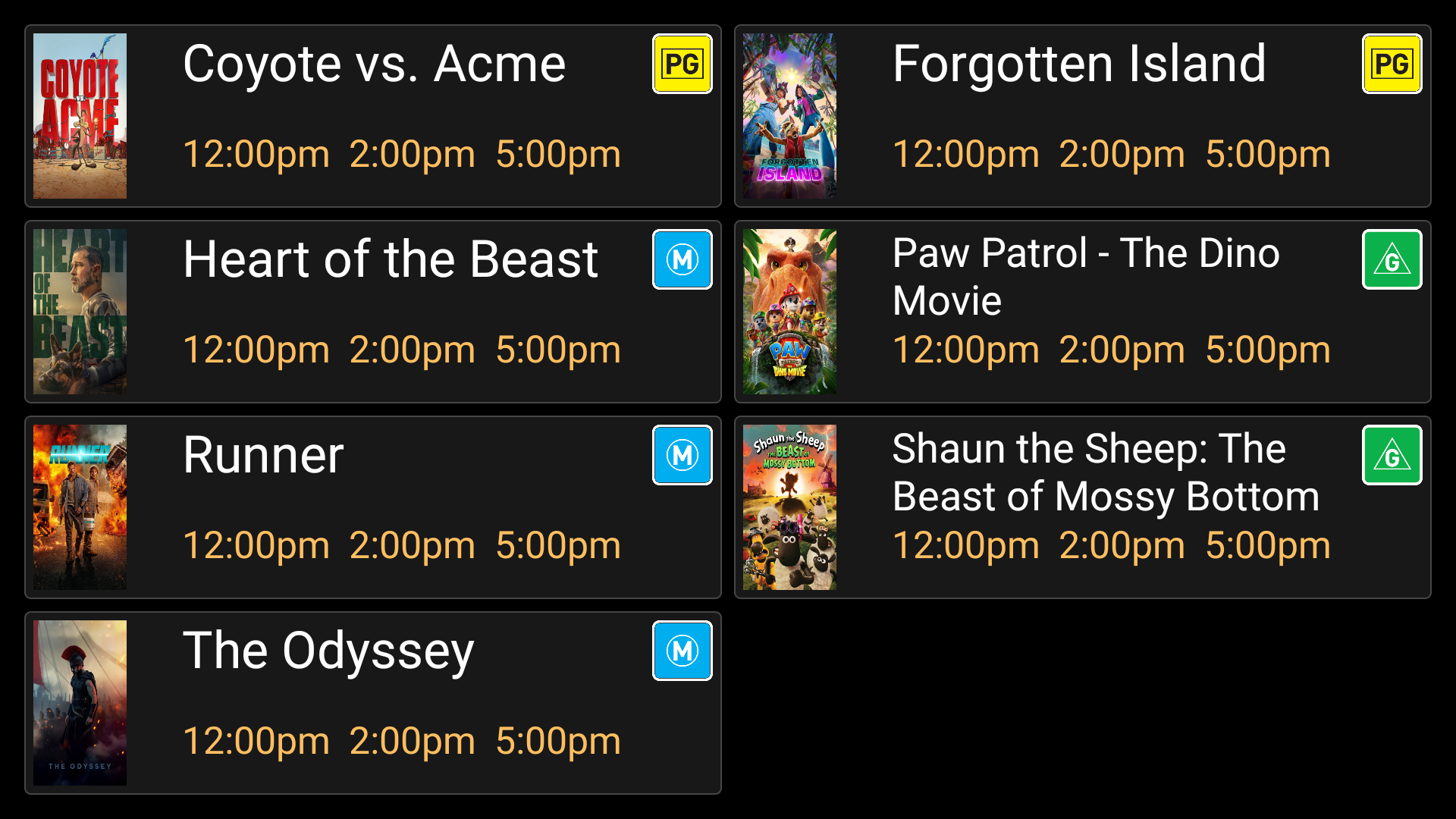
These names describe starting layouts, not a promise to drop extra titles. The board expands when more eligible films need to be shown. More rows mean smaller text. Check readability on the real display rather than choosing the densest layout automatically.
Vertically mounted boards
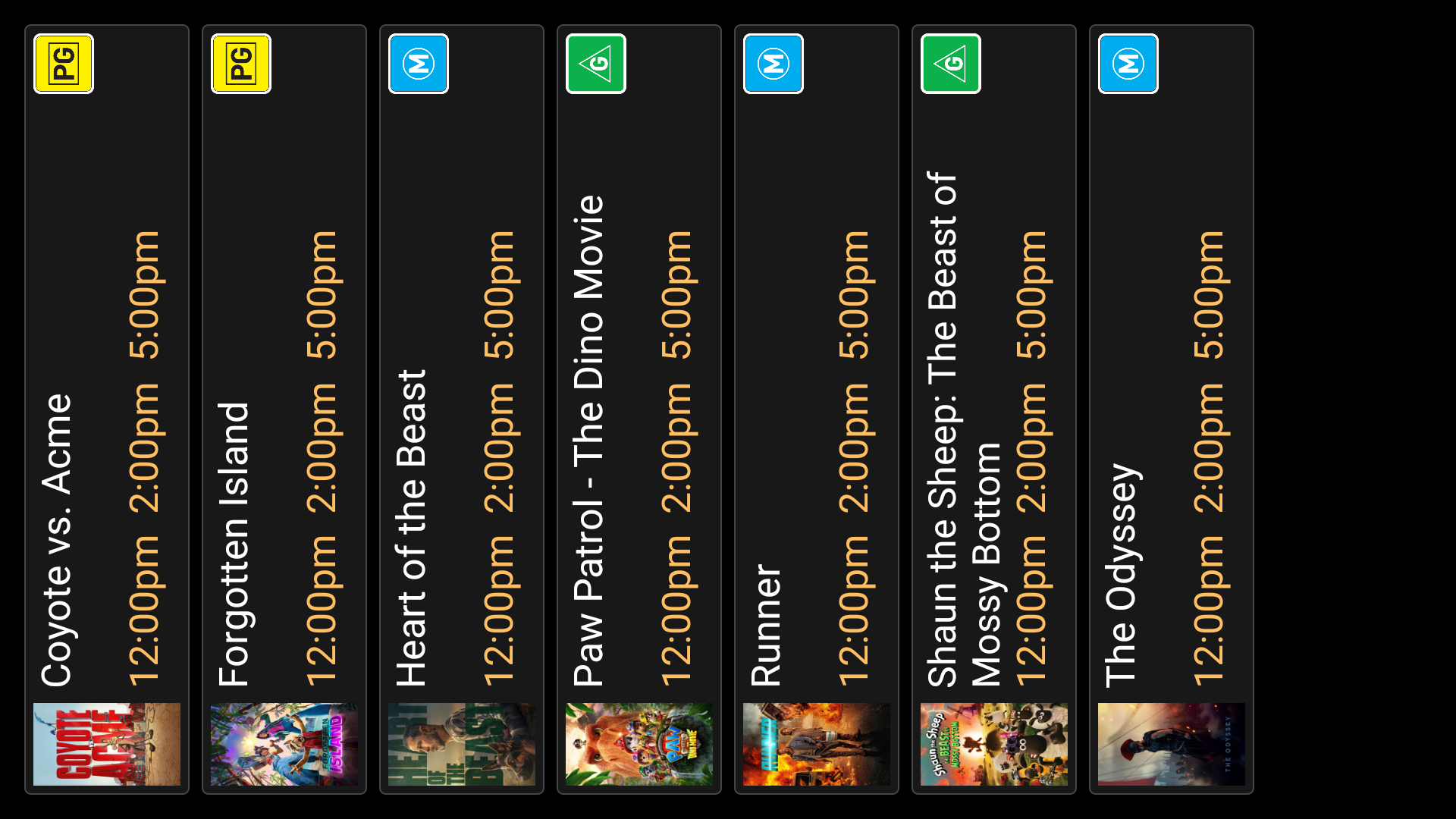
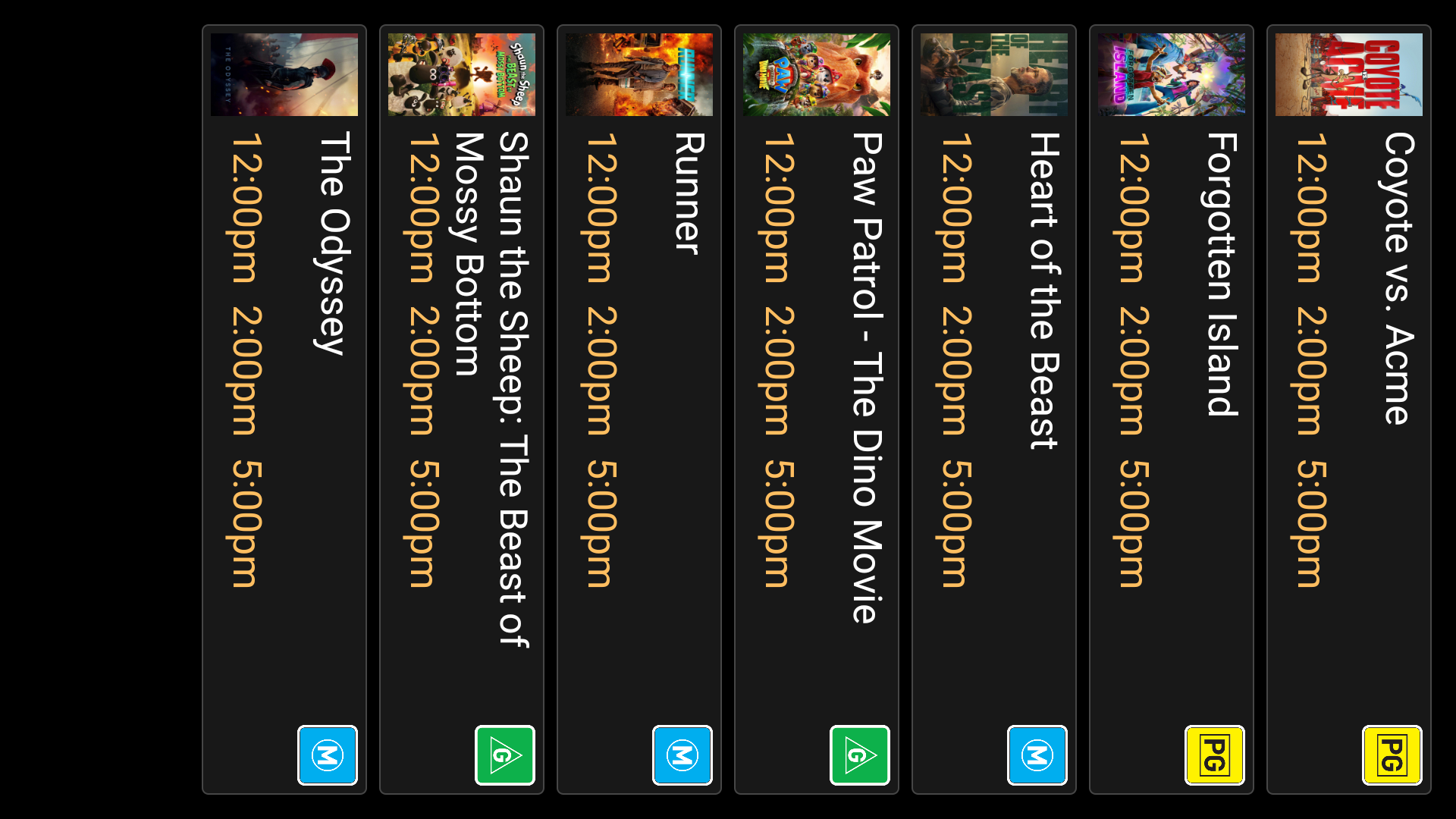
12-hour and 24-hour time
Choose 12h for times such as 2:00pm. Choose 24h for times such as 14:00. This changes their appearance, not the original session date or timezone.
When the board is empty
“No sessions remaining today” can be the correct result after the last screening. If you expected films, check the date, source import, session expiry setting, selection formula and cached posters. A film without a cached poster will not be shown on this built-in board even if its sessions exist.

