



Upgrade Cinema Sign safely
Upgrade during a suitable maintenance window when someone can use the television remote if Android asks for approval. The web control panel can request the download; Android controls installation.
- Record the player name and installed version from Status.
- Note important settings: source, layout, playlist, advertising and display hours. Keep venue credentials in the cinema's normal secure records.
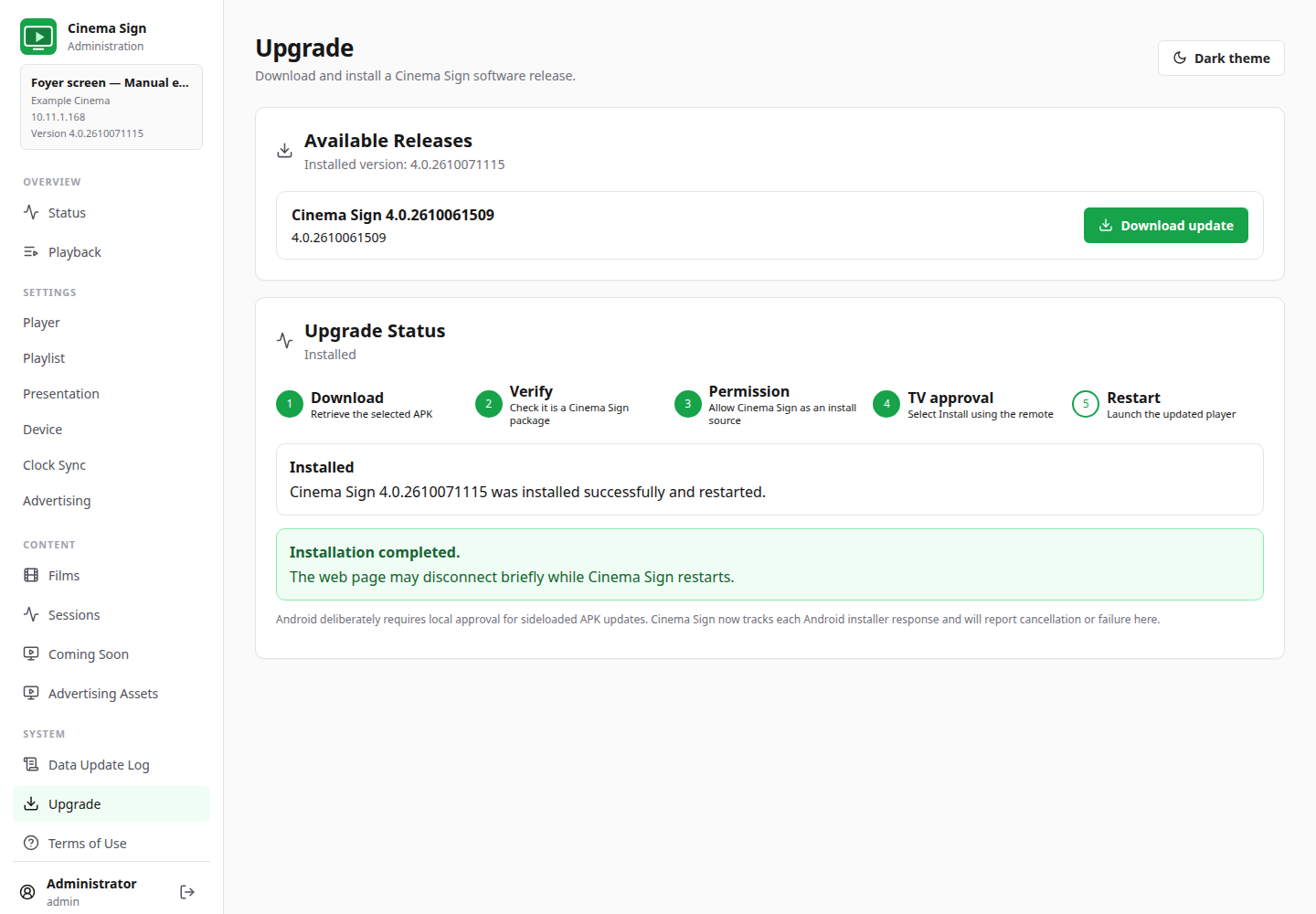
- Open Upgrade and check Available Releases.
- Select Download update for the intended published release.
- Read and confirm the TV-approval message.
- Wait for download and verification. Watch Upgrade Status.
- When required, use the remote to allow Cinema Sign to install from this source, return to the installer and approve the installation.
- Open Cinema Sign if it does not reopen automatically.
- Verify the version on Status and run the checks below.
Check after an upgrade
- The intended software version appears on Status.
- The correct cinema source and player identity remain selected.
- Films, dates, session times and Coming Soon choices are correct.
- Posters, trailers and adverts remain available.
- The layout and mounted orientation are unchanged unless deliberately changed.
- Advertising still uses the intended interval and eligible campaigns.
- Boot, alarm and display permissions are understood.
- App update-log persistence is at the intended setting, normally Off.
- A complete playback cycle and any live-page animation work.
If no releases appear
Check the network, the configured APK Repository URL under Device and the official download listing. A repository error is not a reason to uninstall the app. Ask the installer to check publication if a newly built version is not listed.
If a permission button cannot open settings
Some Android TV firmware does not provide the same installation or special-access screen. Use the displayed explanation and ask the installer to complete the equivalent setting with the remote or appropriate device tools. Do not repeatedly click an unavailable action.
The deployment page has installer details. Website/documentation publication and APK publication are separate operations.
Back to contents ↑
